Secure, Faster, Error Free & Frictionless Service.
Smart Commerce.
Sprint-Thru™ pickup & delivery, secure self-checkout, secure self-pour, grab & go retail, password-less & OTP Less logins and secure payments smart solutions are for modern merchants and consumers.
Explore Smart SolutionsSprint-Thru™ Smart Solutions
Sprint-Thru™ is a patented and patent pending Disruptive & Friction Less Technology that disrupts many existing
products and services and can also be used to introduce new products and services for merchants and
consumers to substantially improve security, reduce service times, reduce product theft, reduce cost
and protect the environment.
Following are some of Smart Solutions based on Sprint-Thru™ technology.
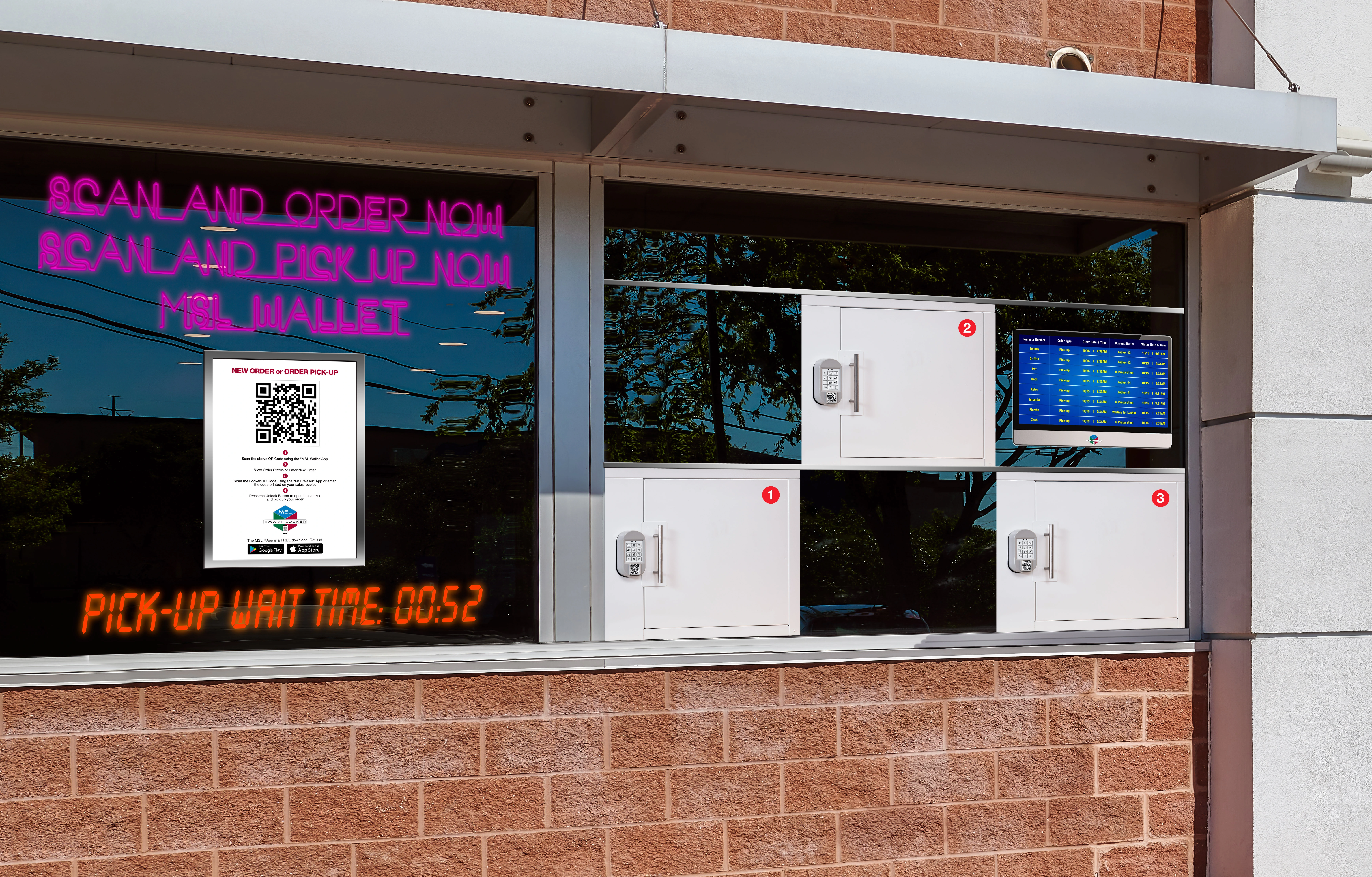
Sprint-Thru™ Self Pickup
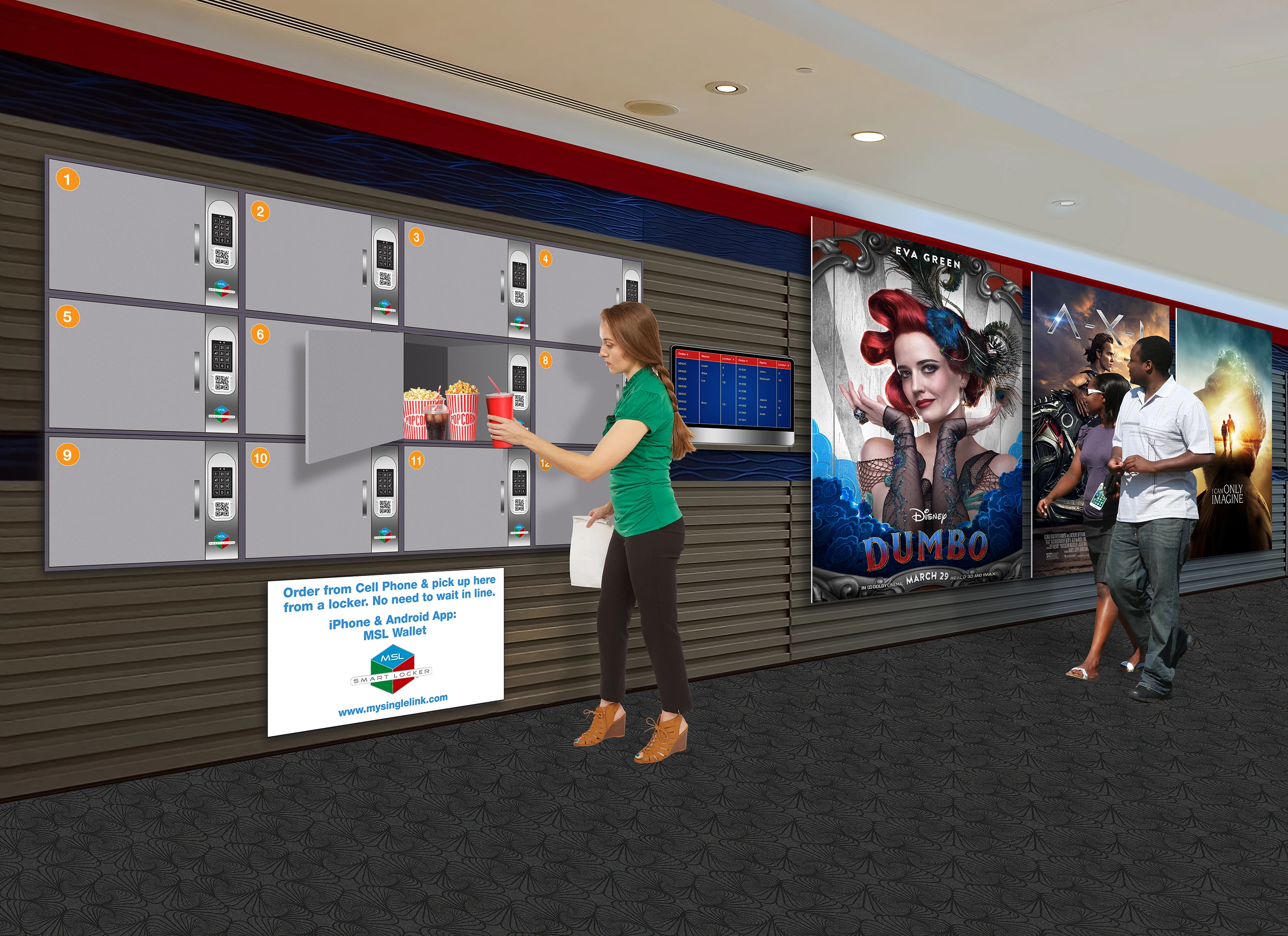
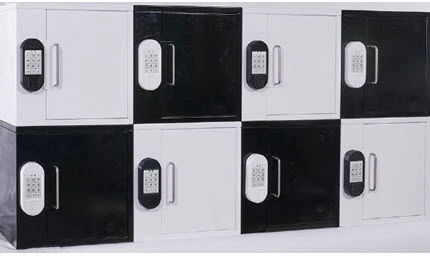
Sprint-Thru™ eliminates drive-thru bottlenecks, pickup queues, and pickup and delivery
frictions - replacing legacy infrastructure with smart lockers, AI-powered order routing,
and zero-contact pickup.
Sprint-Thru™ can be used by mobile order buyers, delivery persons and walk-in and drive-in customers.
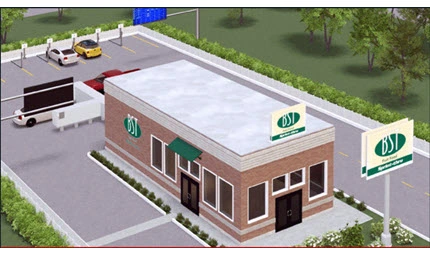
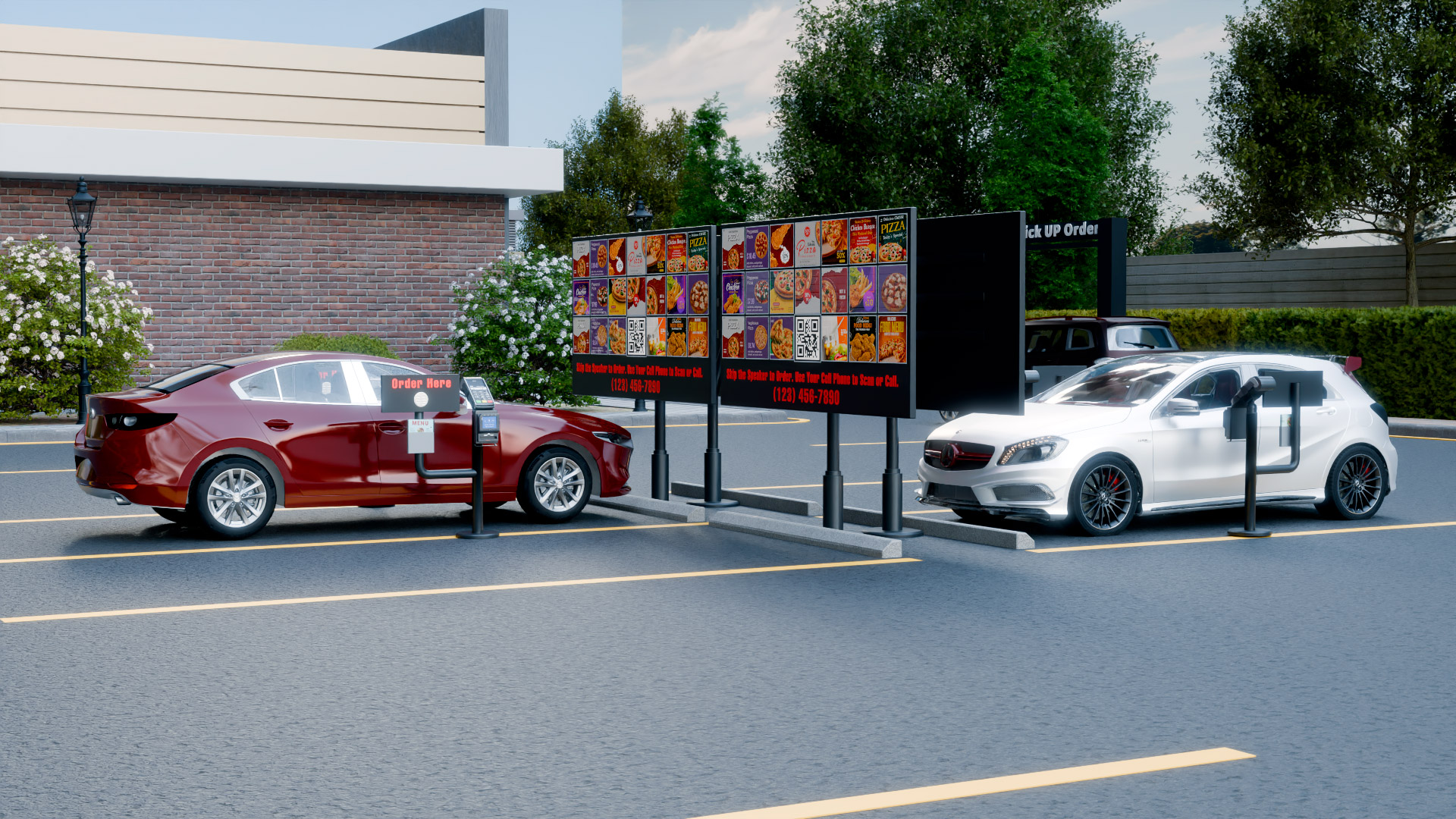
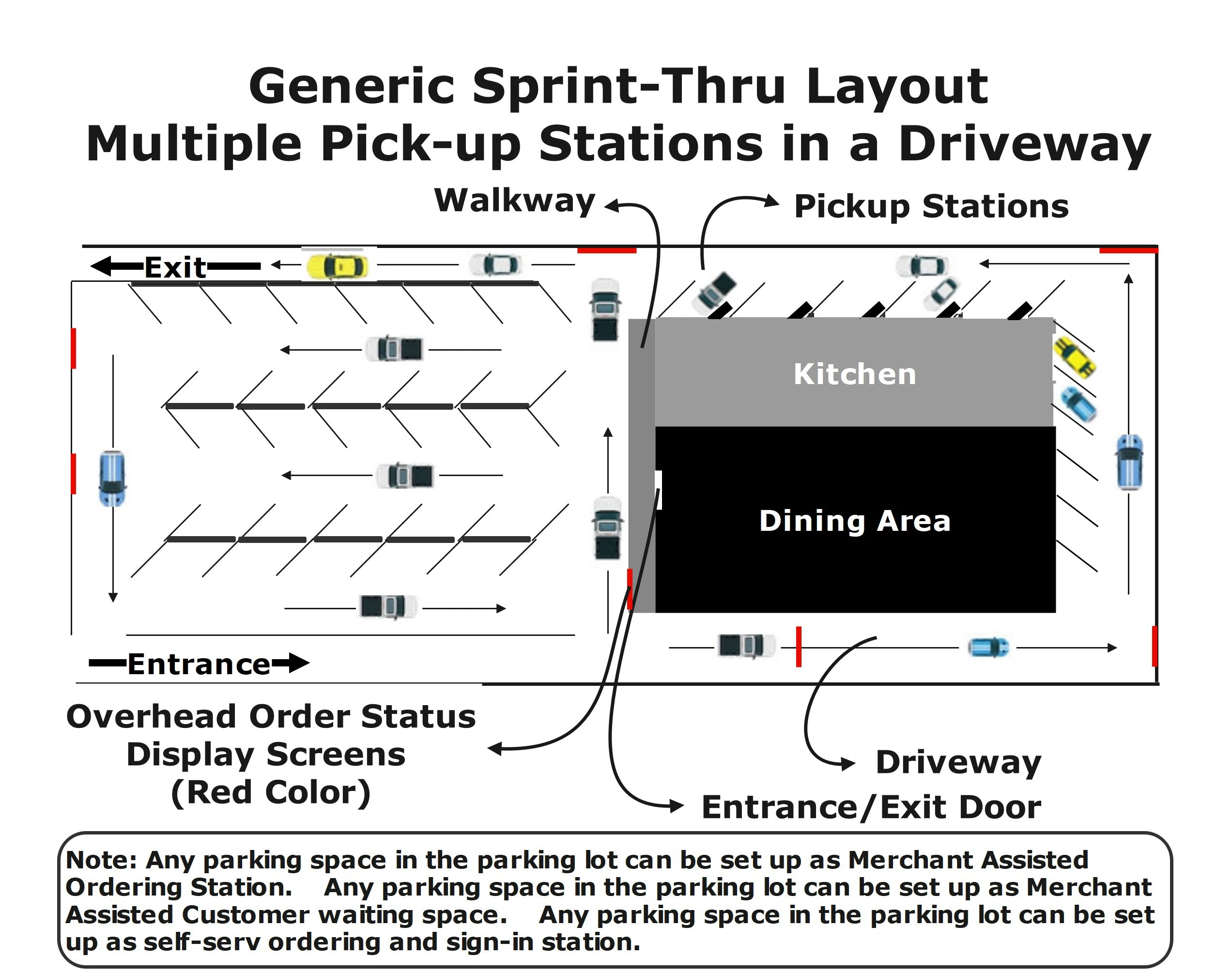
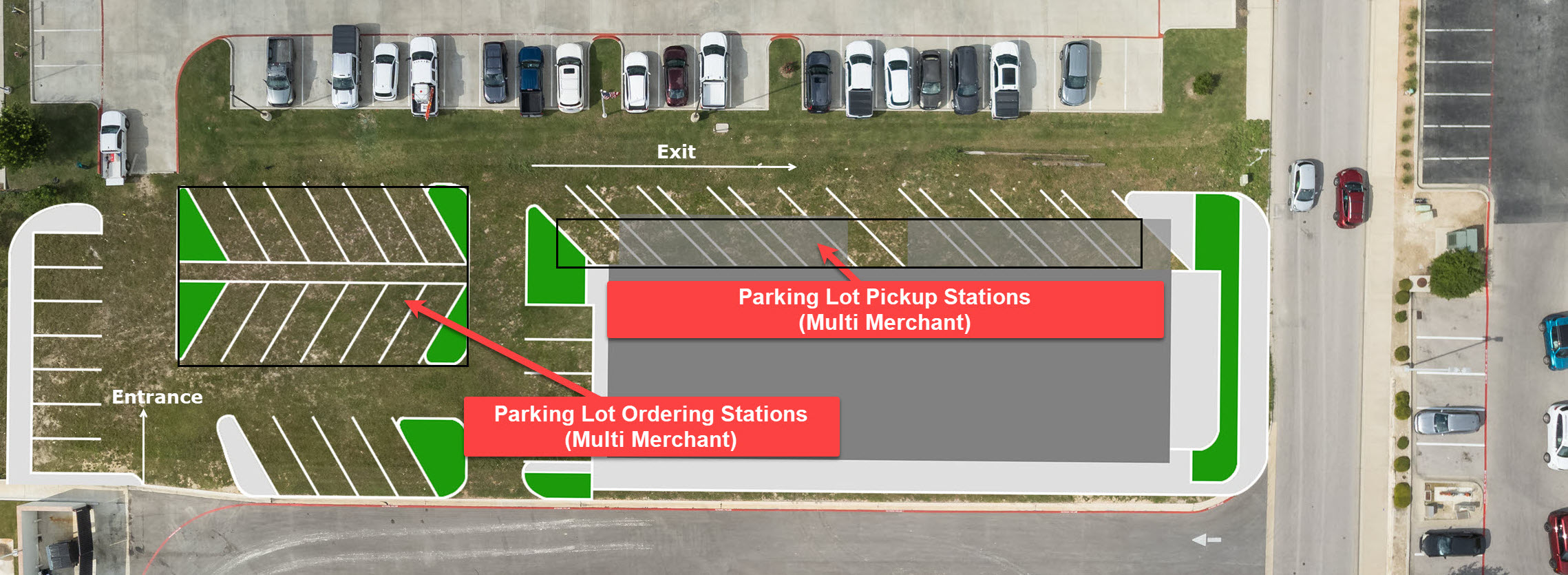
Sprint-Thru™ places multiple ordering stations and multiple pickup stations accessable
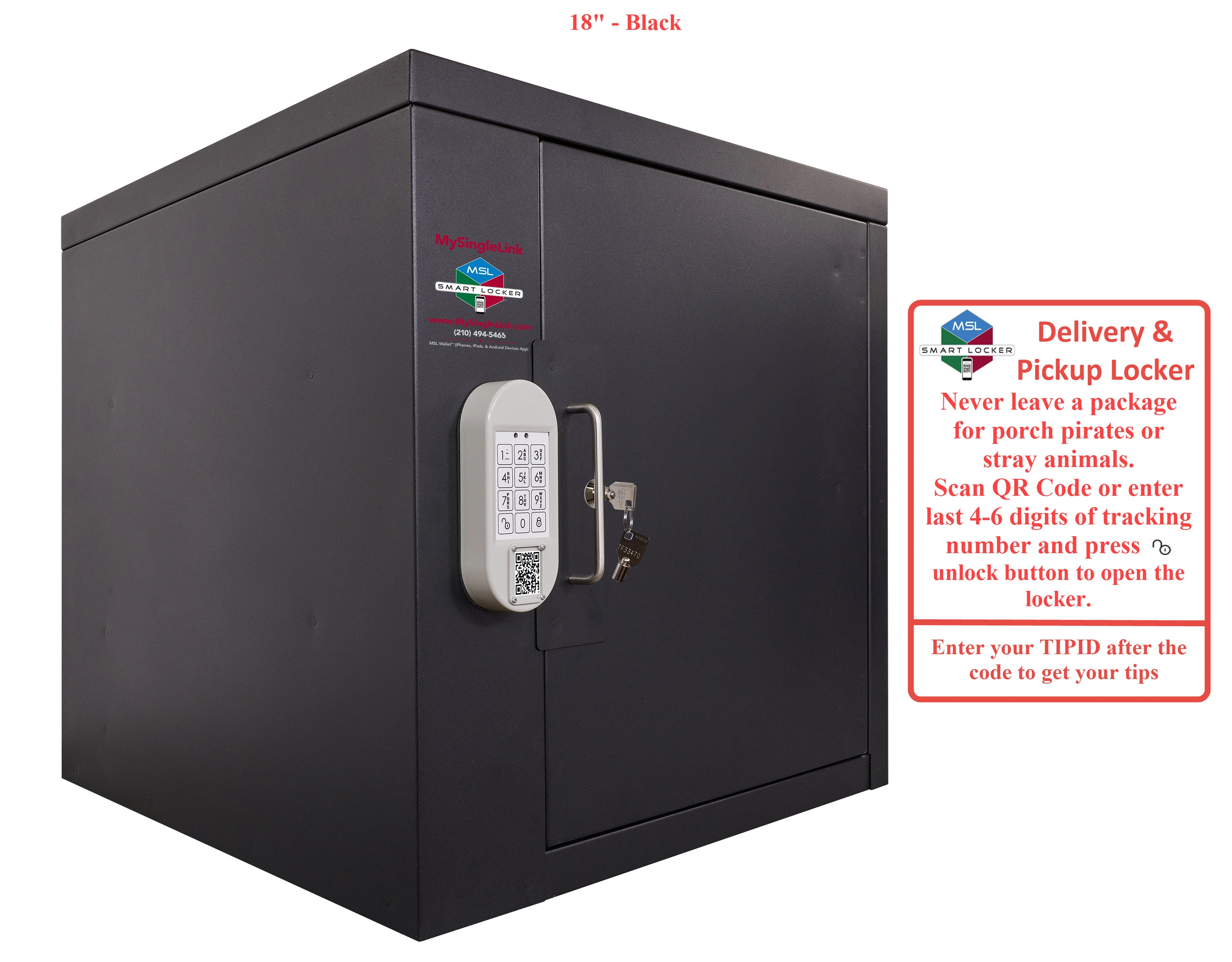
from single driveways, instead of placing a single drive-thru window in each drive-thru lane.
Sprint-Thru™ uses 'First Ready First Served' technology, instead of 'First Come First Served' technology.
Parking lot
Curbside
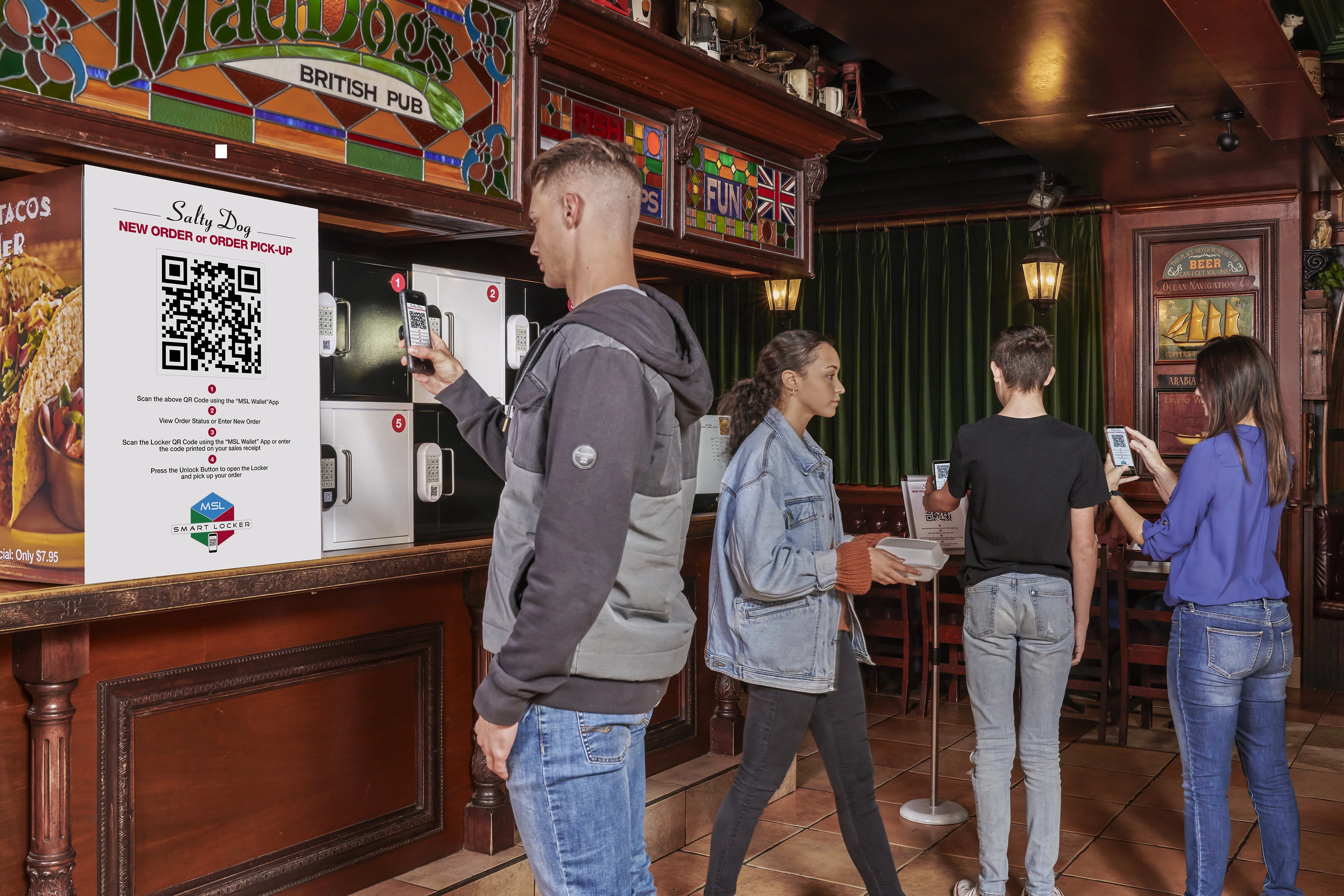
In-Store
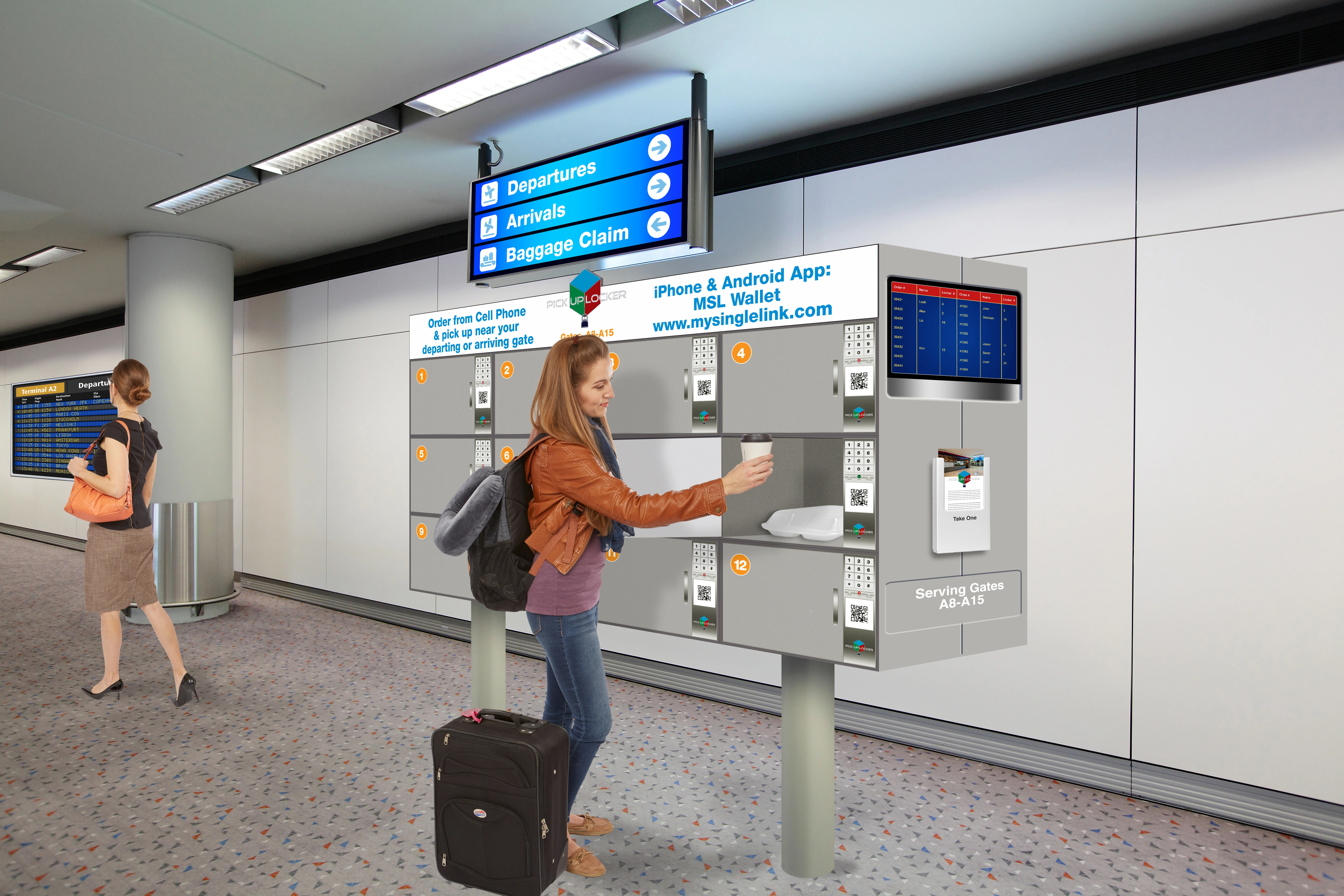
Airport
Core Benefit
Mobile & Delivery Orders Pickup Time
30 sec
Walk-in & Drive-in Orders Pickup Time
Prep Time + 30 sec
Wait Time
80% Less
Order Accuracy
100%
Environment Impact
80% Less Pollutant
Merchant Benefit
50% Less Labor Cost
Delivery Person Benefit
50% Less Unproductive Time
Buyer Benefit
50% Less Unproductive Time
One Platform - Every POS
Sprint-Thru™ adapts to every current and future point of sale systems
API (Application Programming Interface) integration not required, but supported
One Procedure - Multiple Pickup Customer Types
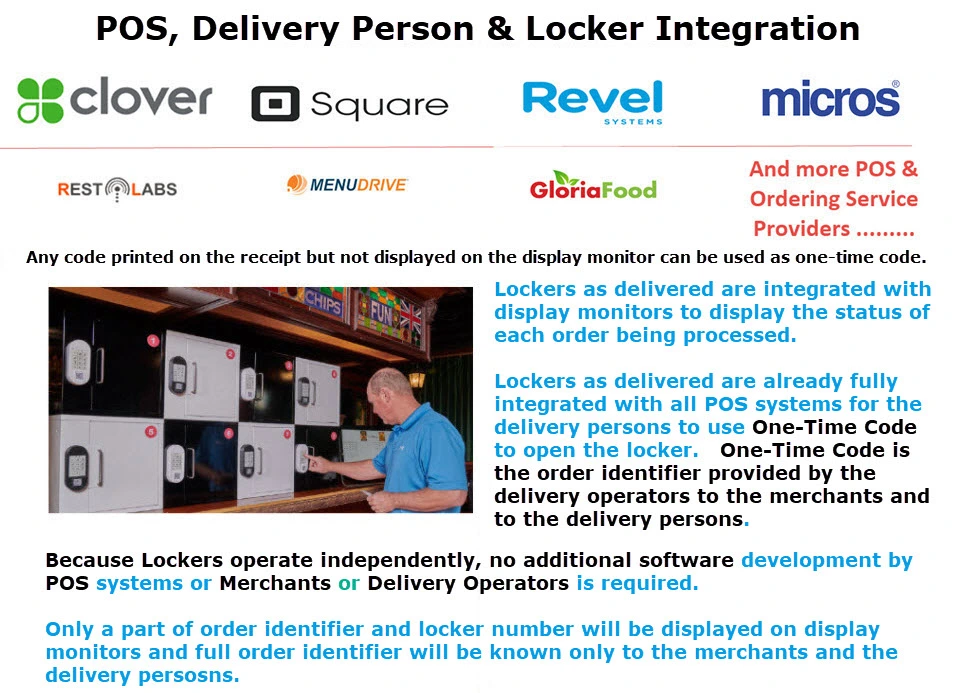
Delivery Persons
Advance Order Customers....
Order Now Customers
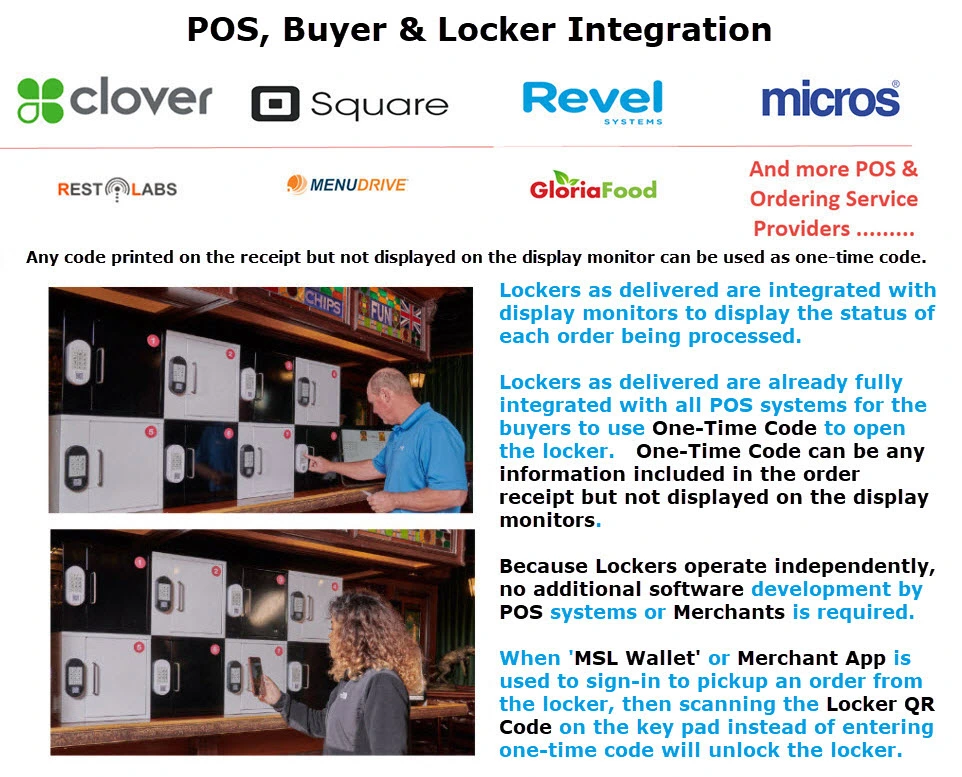
Delivery persons and customers bring their own devices (BYOD)
Mobile App is not required, but supported.
Delivery persons and advance order customers can find the order status even before heading to the location
Step 1
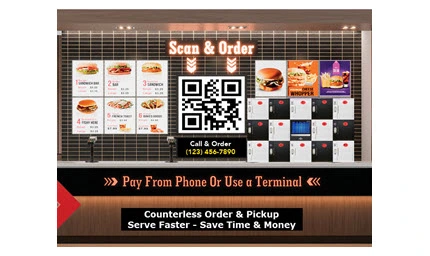
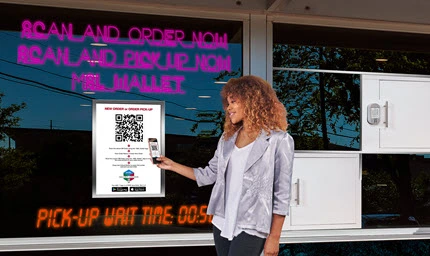
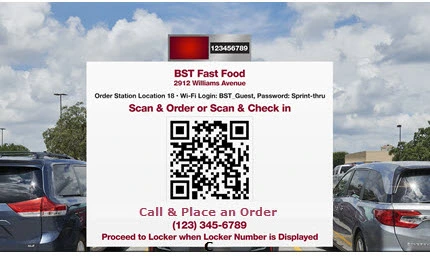
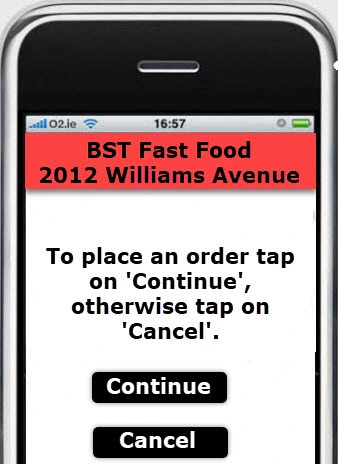
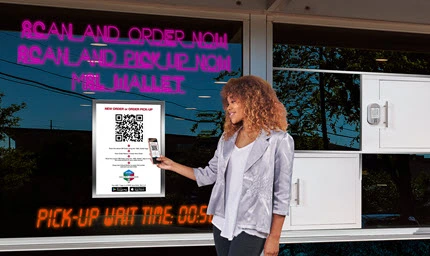
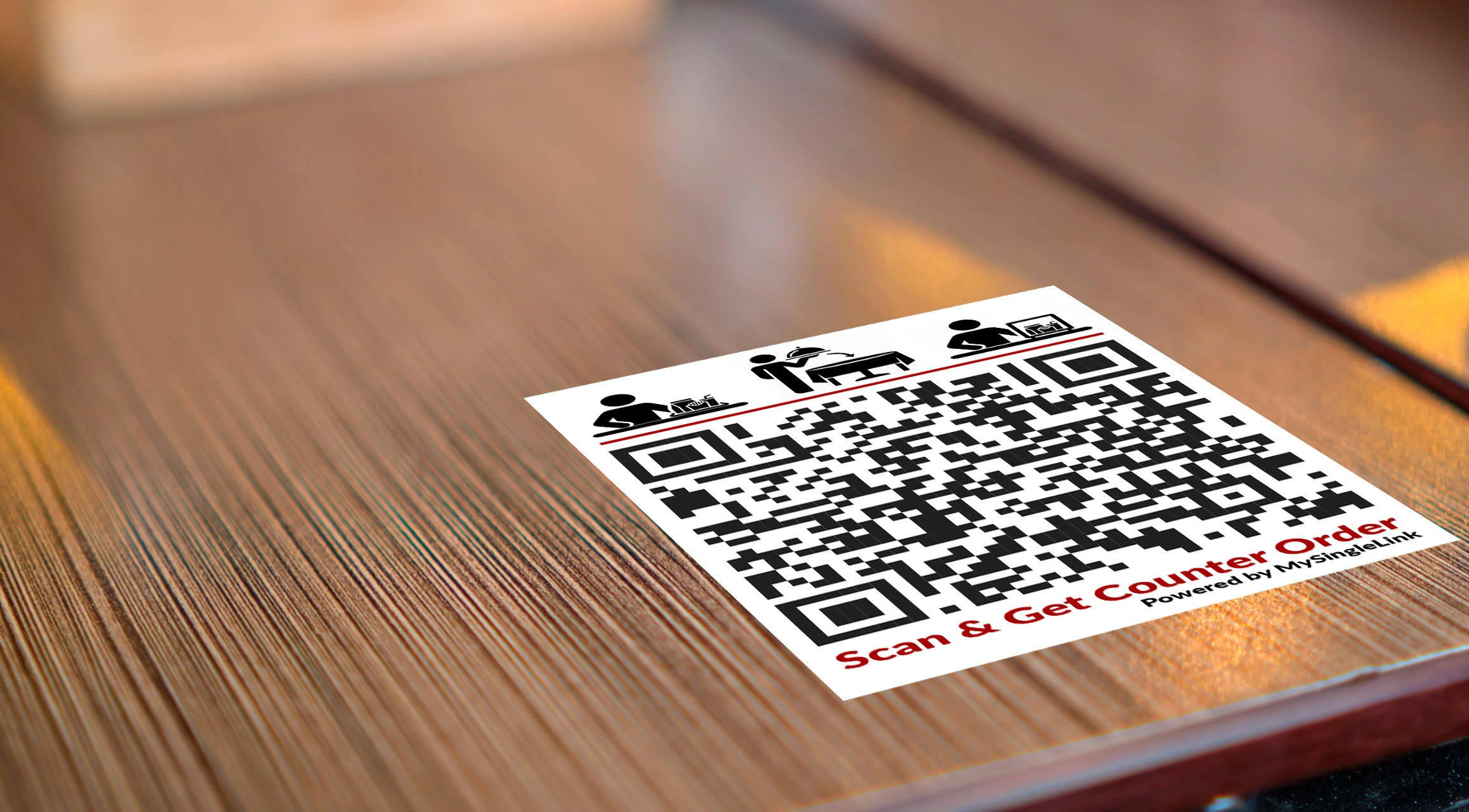
Scan a QR Code to sign-in or to place an order
Step 2
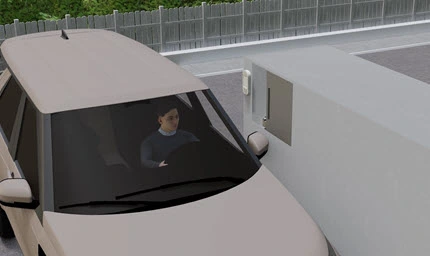
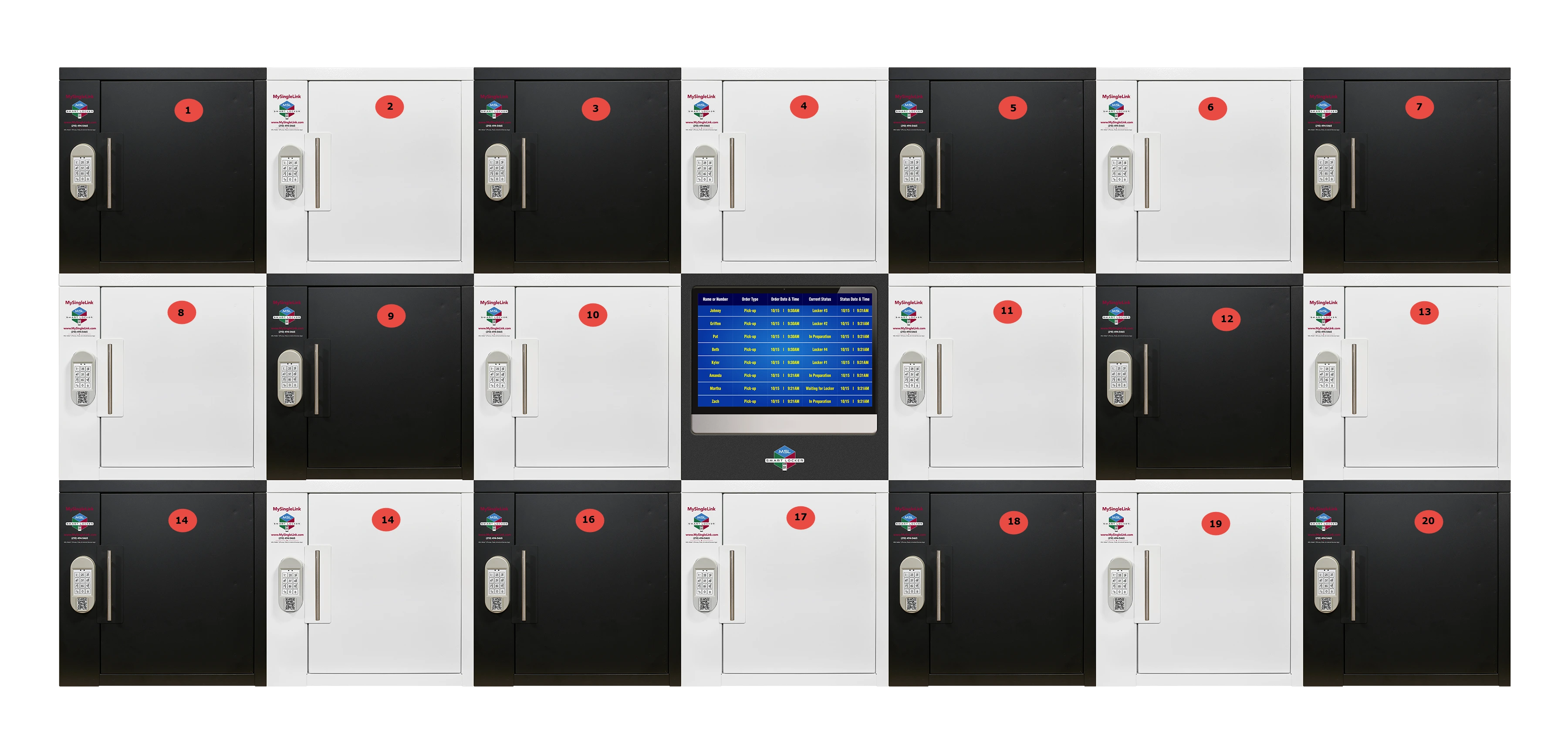
Get the Locker Number from a display screen
Step 3
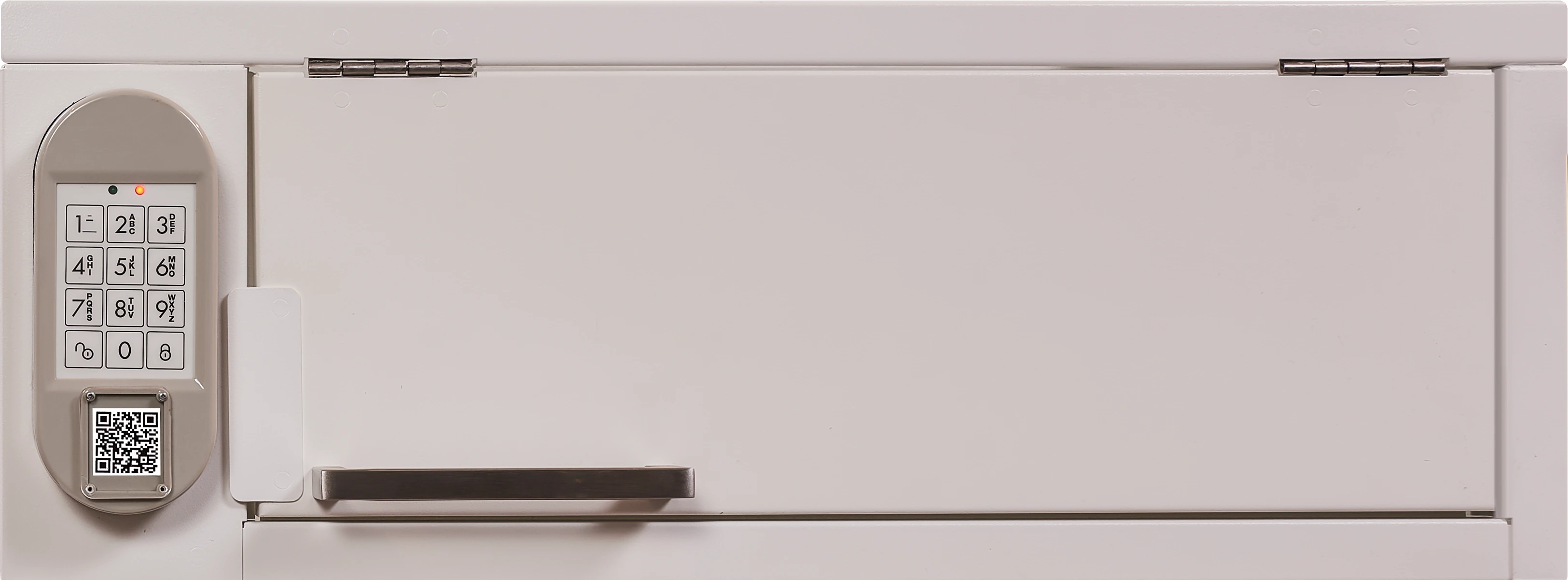
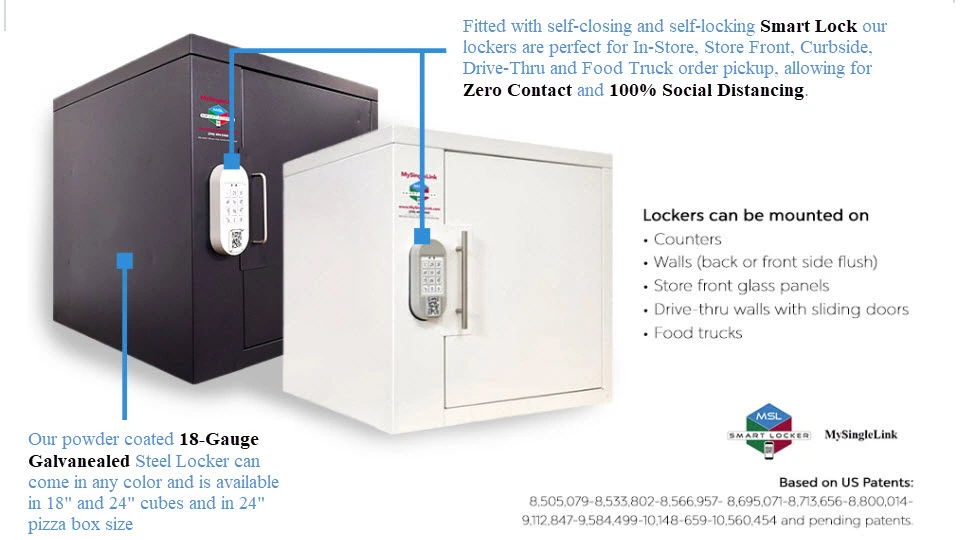
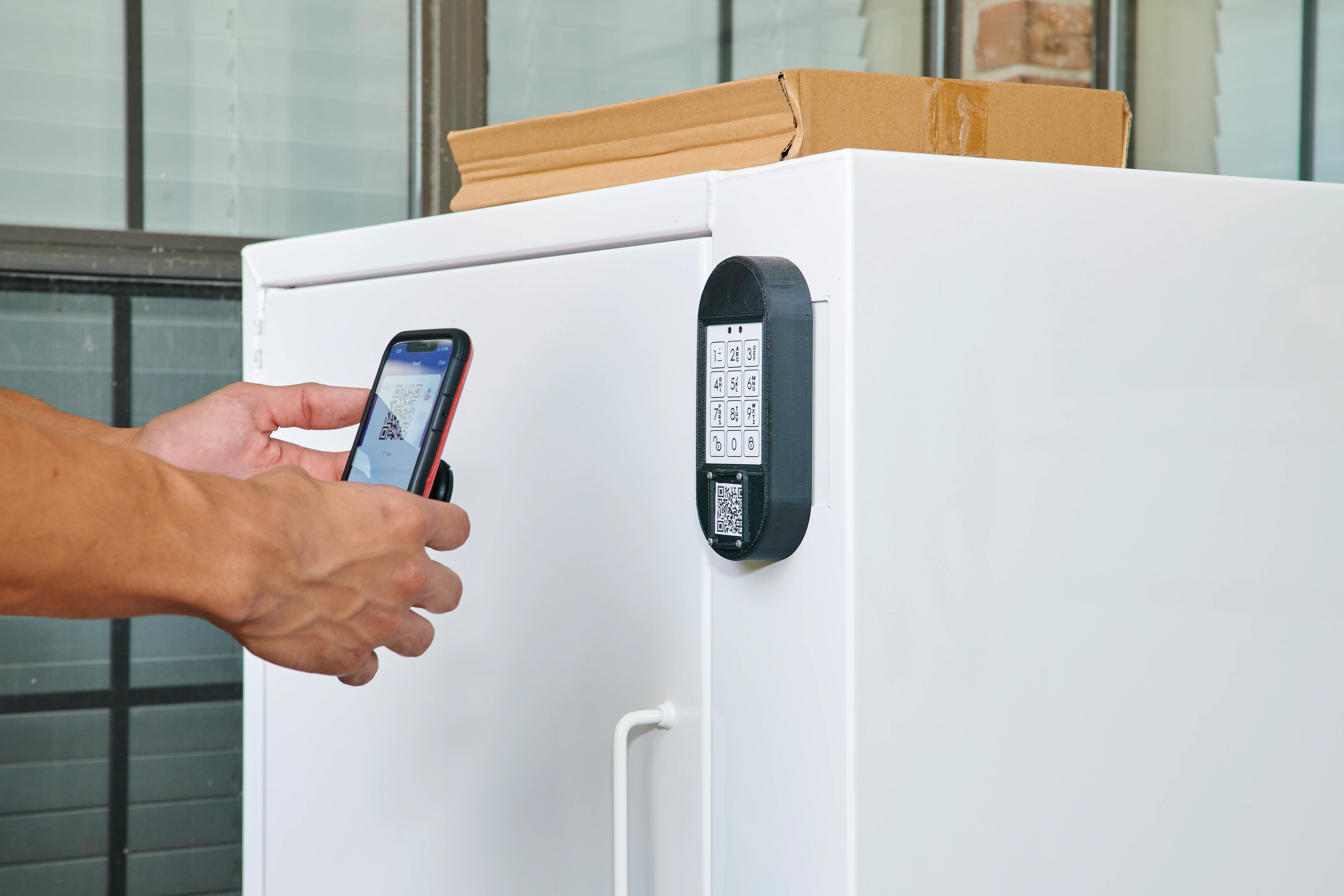
Scan the QR Code displayed on the locker or
enter a few characters from the order number in the keypad
Pickup the order from the Locker
One Platform - Multiple Ordering Channels
AI
Call Center/In-House
QR Code
Any Location - Multiple Pickup Station Types
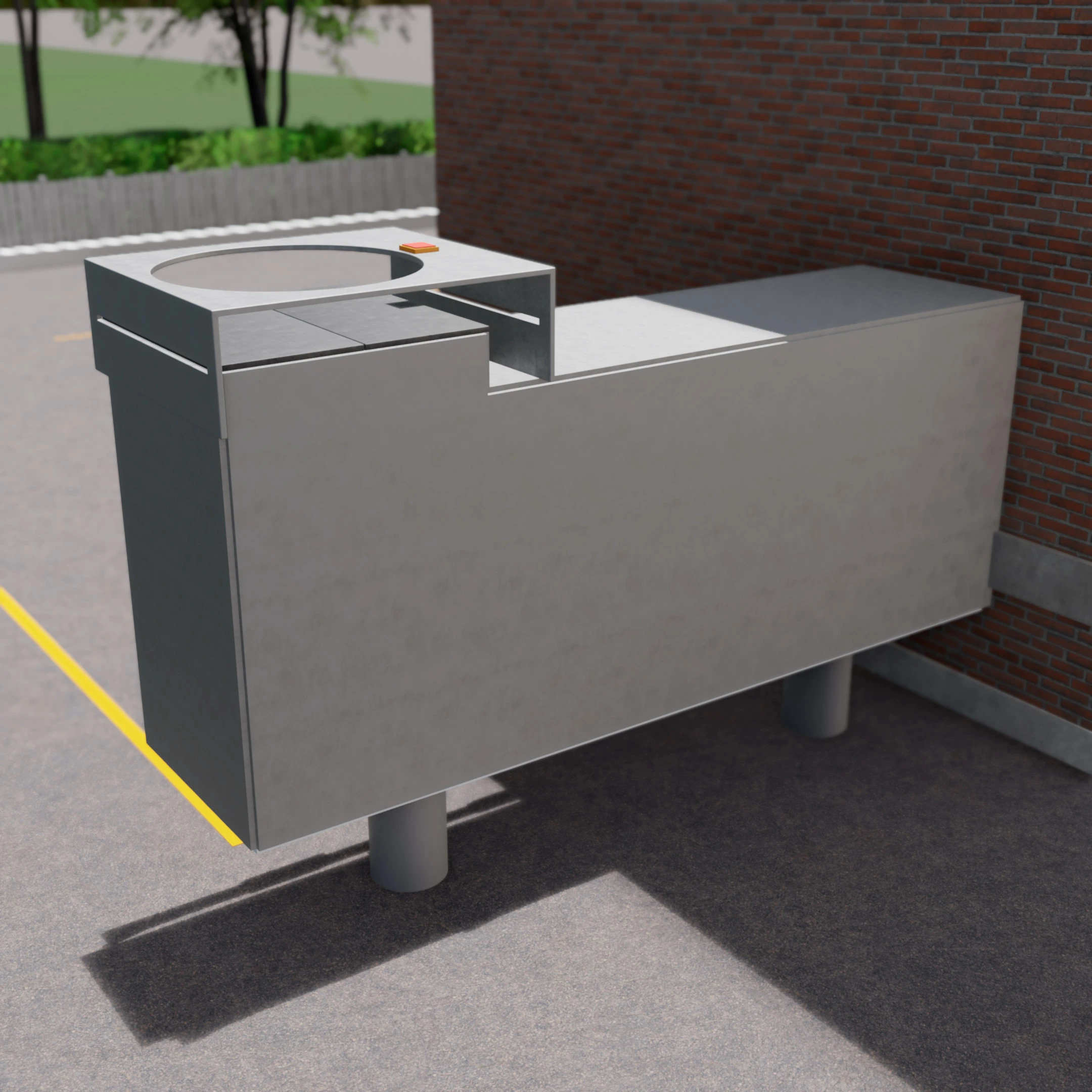
Parking Lot Pickup
Curbside Pickup
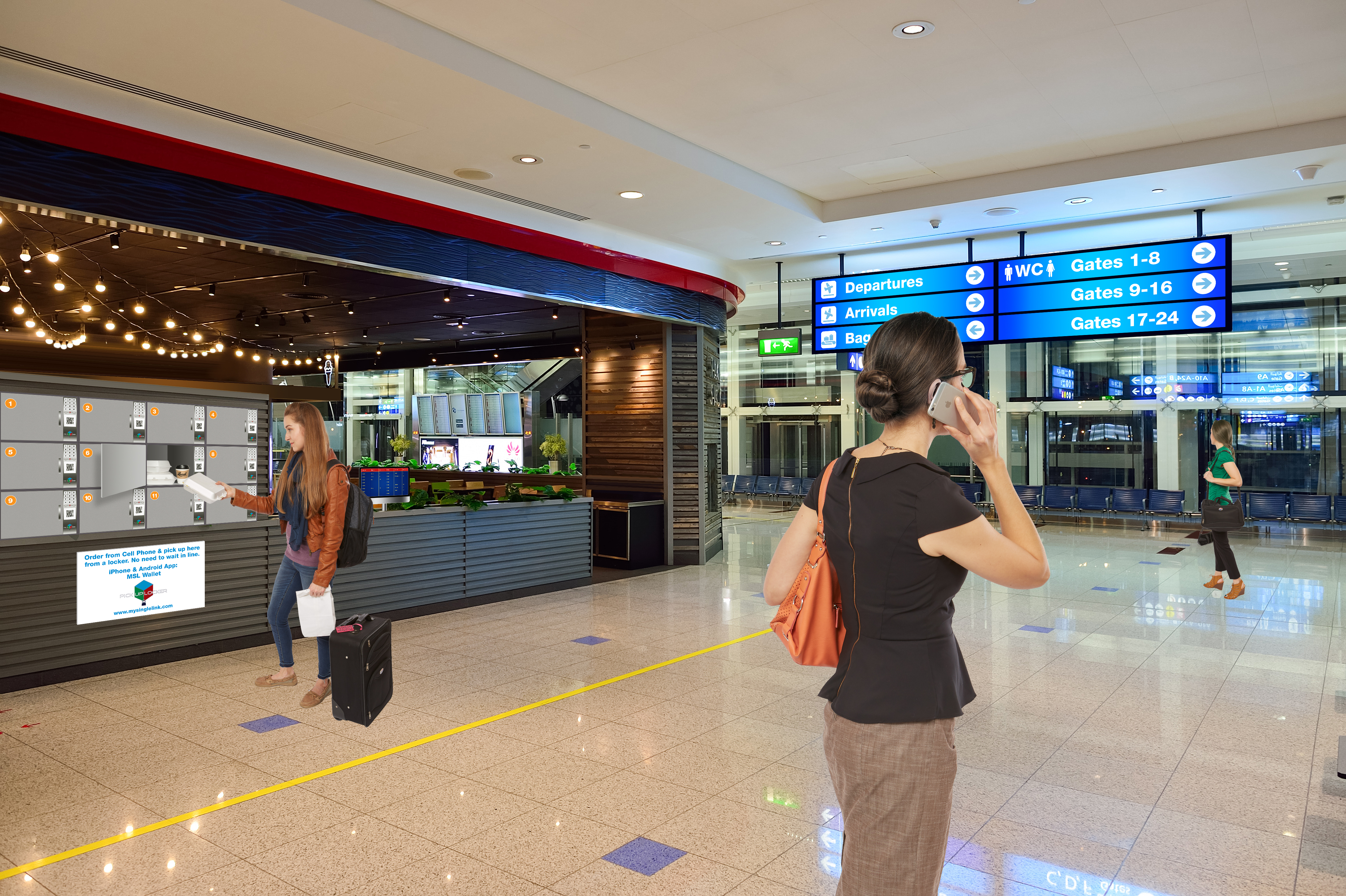
In-Store Pickup
Airport Gate Pickup
Parking Lot
Parking Lot Order/Sign-In/Pickup
Highlights
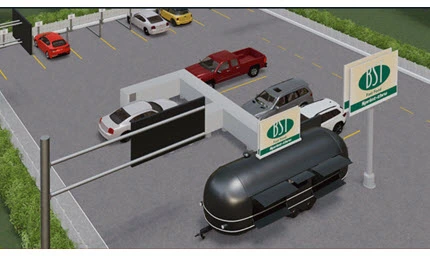
Driving-in delivery persons, order ahead and order now customers can use Parking Lot Pickup.
Video
Building with
Multiple Pickup Stations
Food Truck with
Multiple Pickup Stations
Curbside
Curbside Pickup Order/Sign-In/Pickup
Highlights
Walking-in delivery persons, order ahead and order now customers can use Curbside Pickup.
In-Store
In-Store Pickup Order/Sign-In/Pickup
Highlights
Walking-in delivery persons, order ahead and order now customers can use In-Store Pickup.
Airport
Airport Pickup Order/Sign-In/Pickup
Highlights
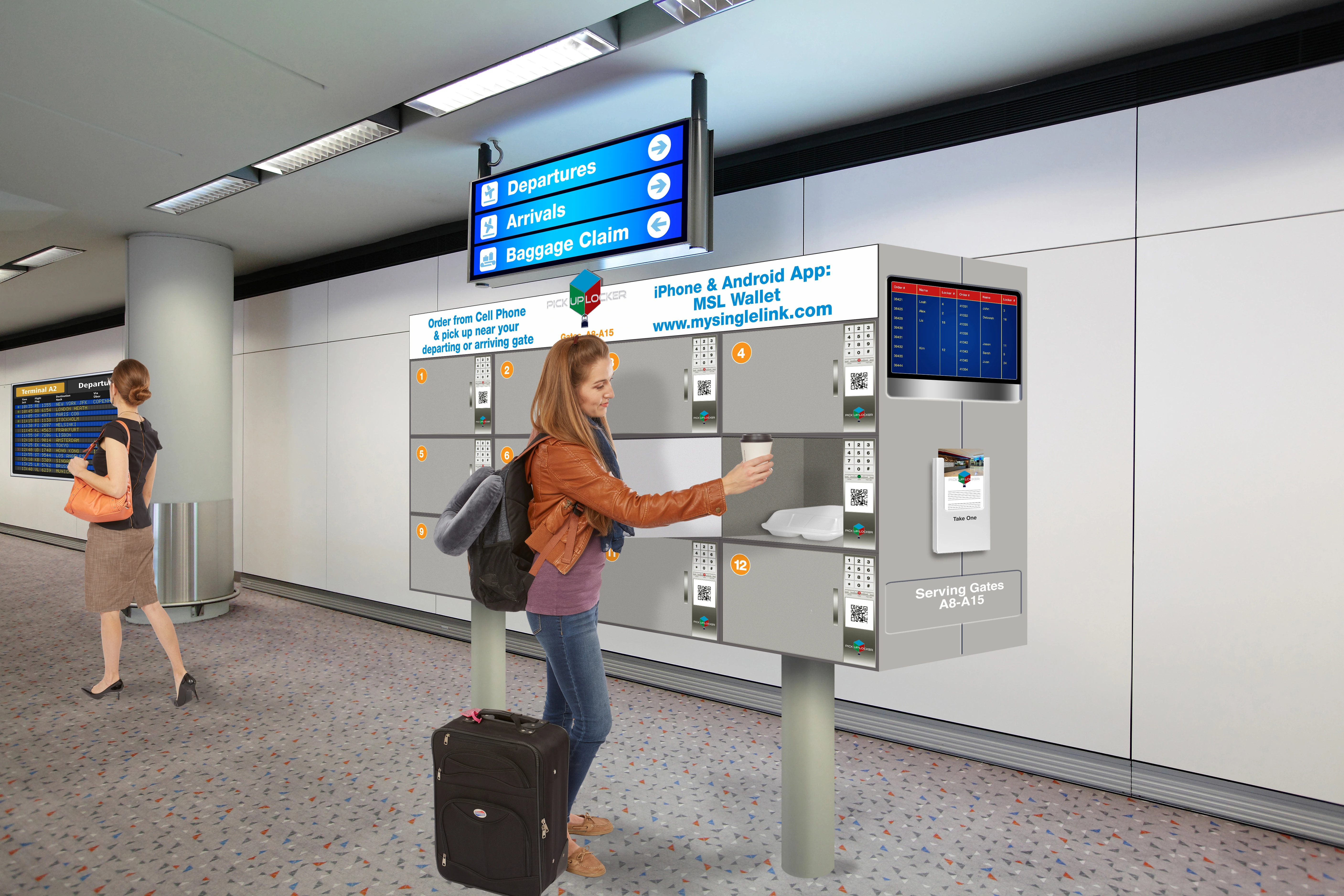
Airport Gate delivery persons, order ahead travellers and order now travellers can all use airport lockers.
Any Location - Multiple Pickup Locker Types
Parking Lot Locker
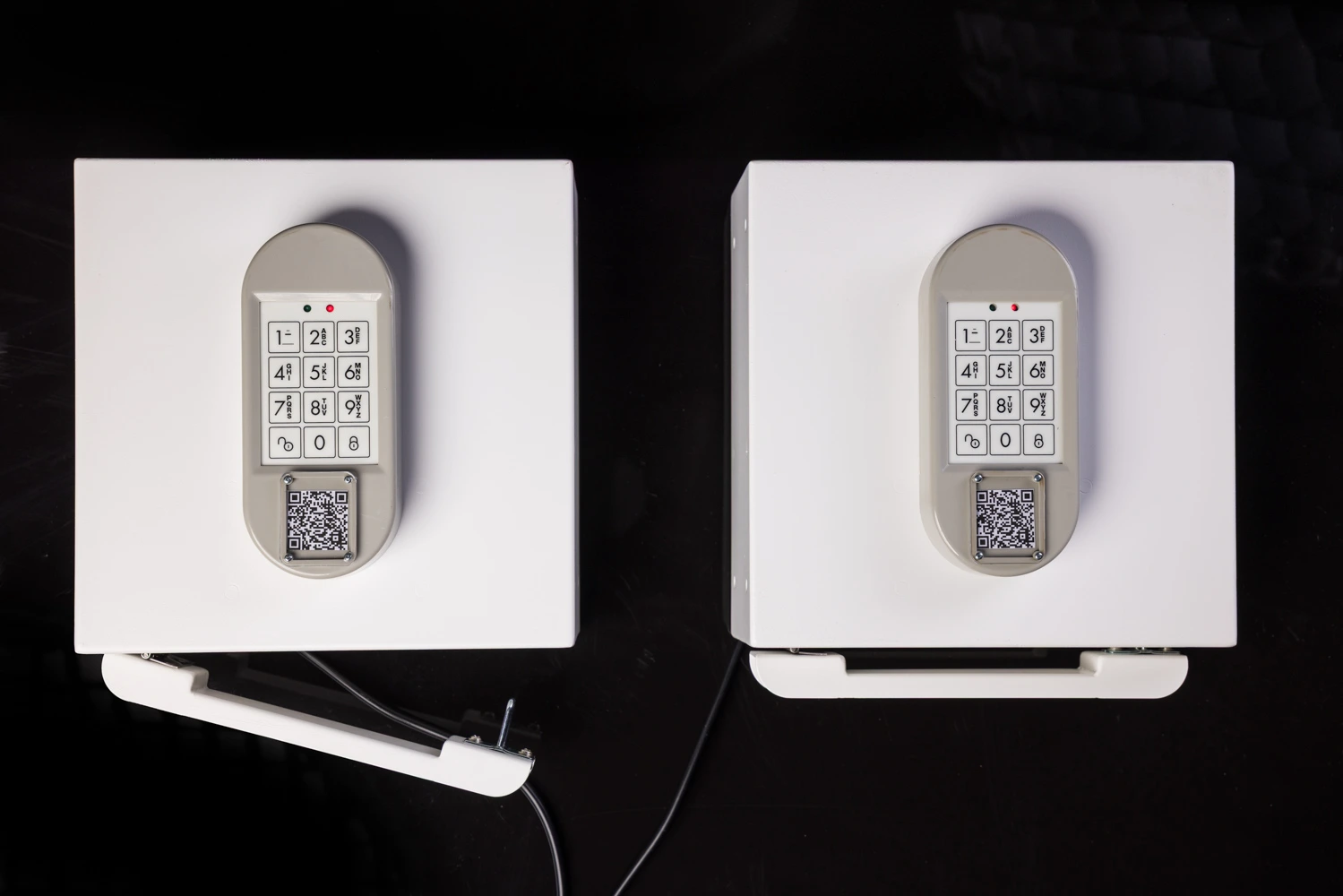
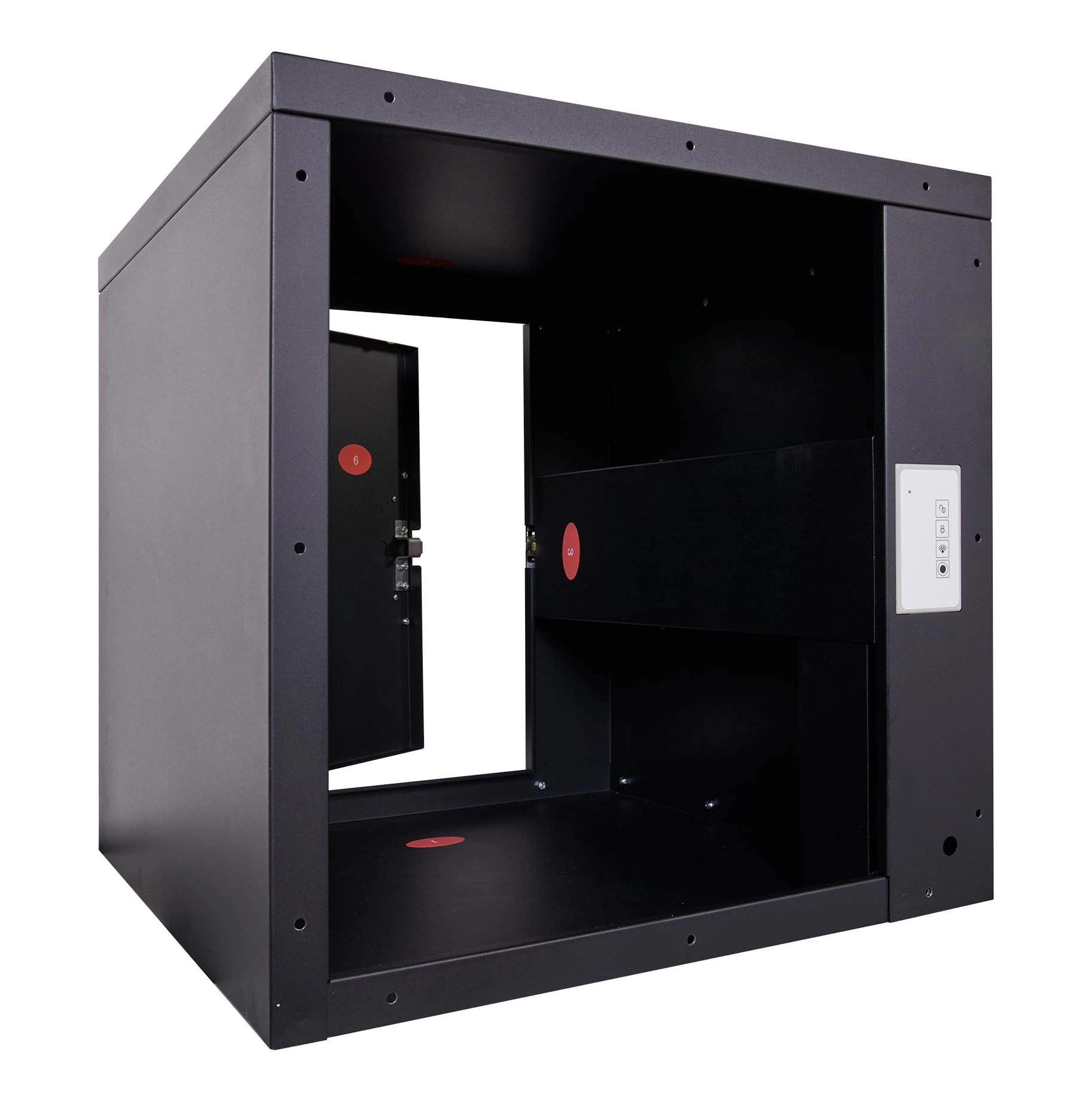
Box Locker
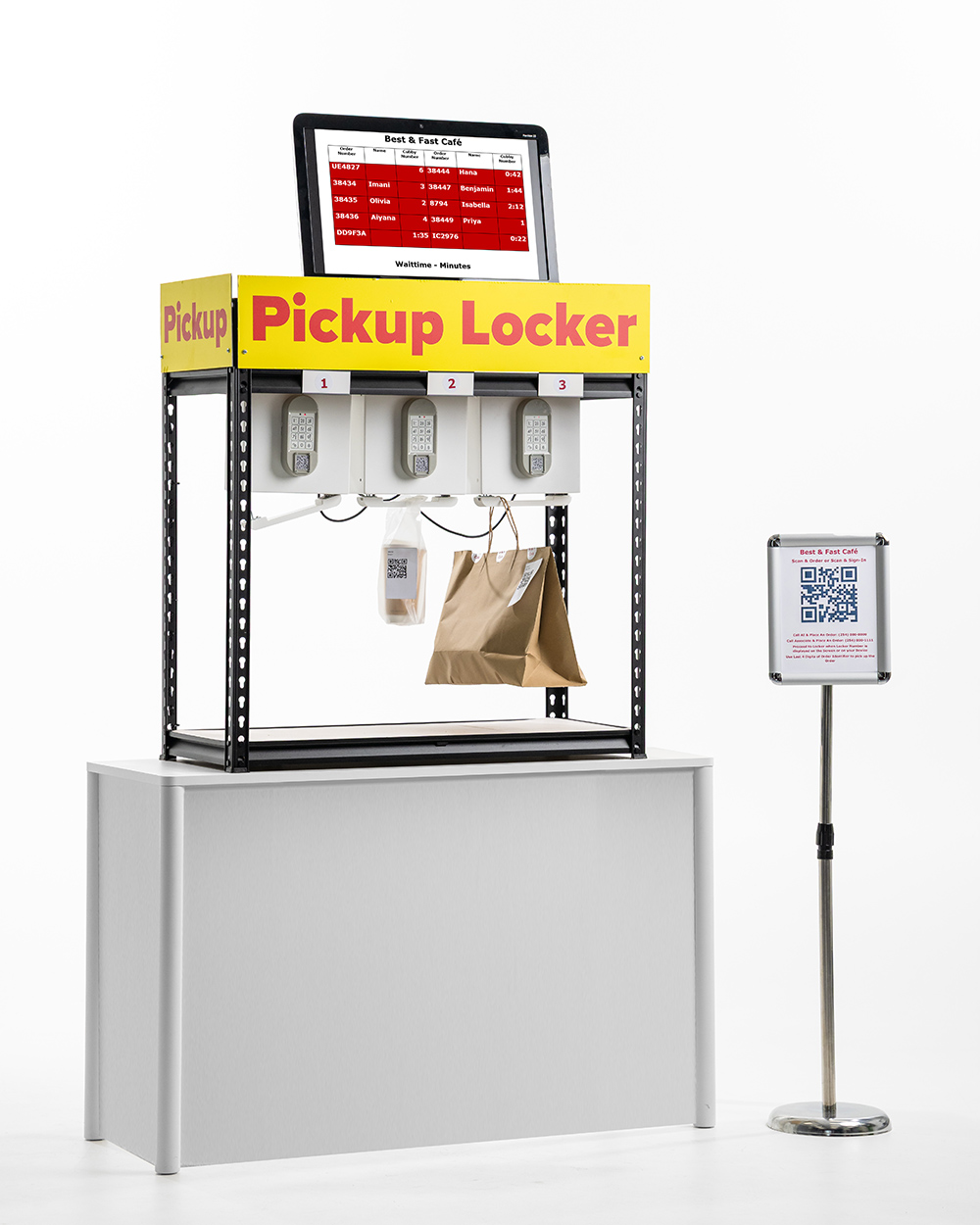
Hanger Locker
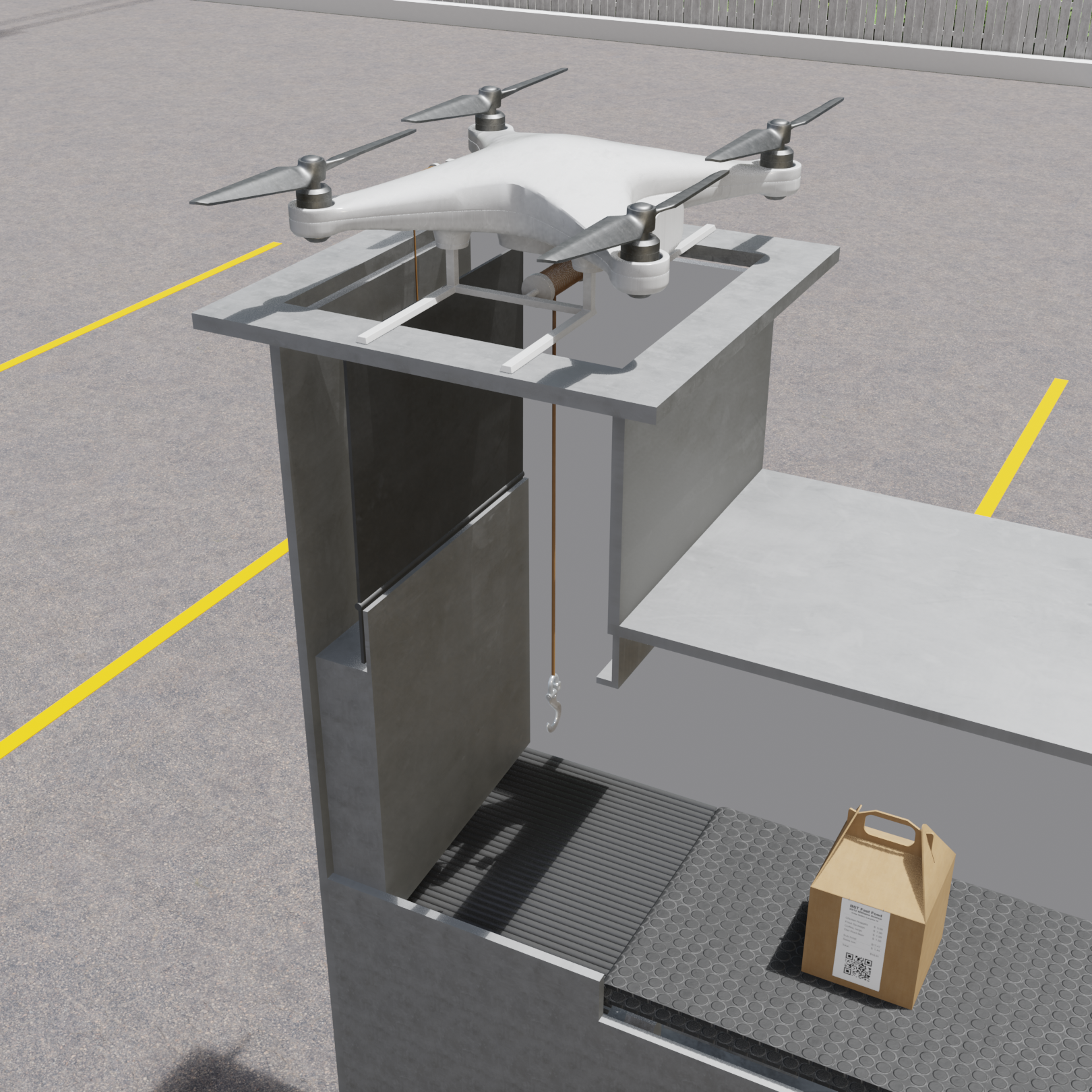
Drone Locker
Under Construction
Parking Lot Locker
Highlights
Driving-in delivery persons, order ahead and order now customers can pickup orders from Parking Lot locker.
Box Locker
Highlights
Driving-in delivery persons, order ahead and order now customers can pickup orders from Box locker placed at the curbside or inside the store.
Hanger Locker
Highlights
Driving-in delivery persons, order ahead and order now customers can pickup orders from Hanger locker placed inside the store.
Drone Locker
Highlights
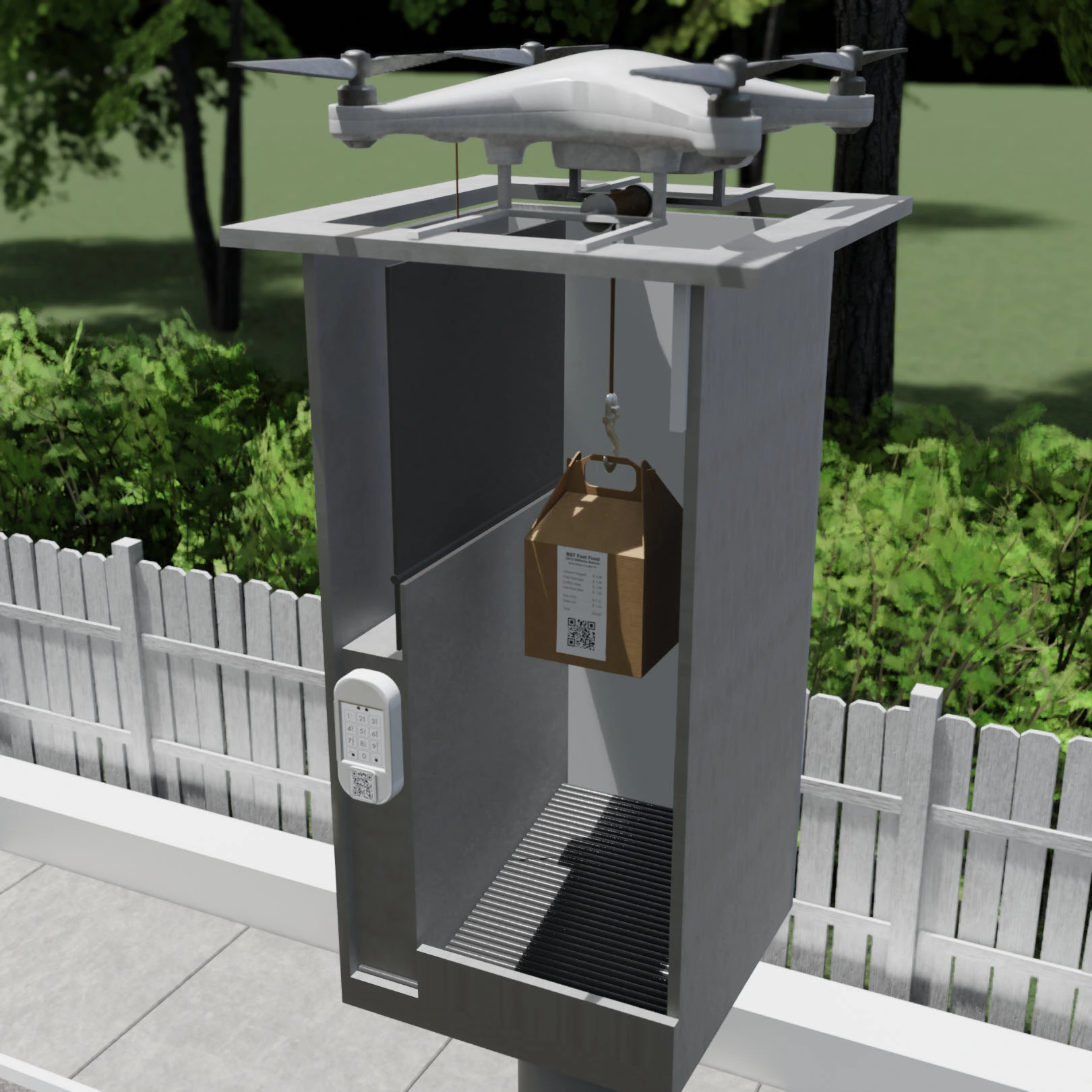
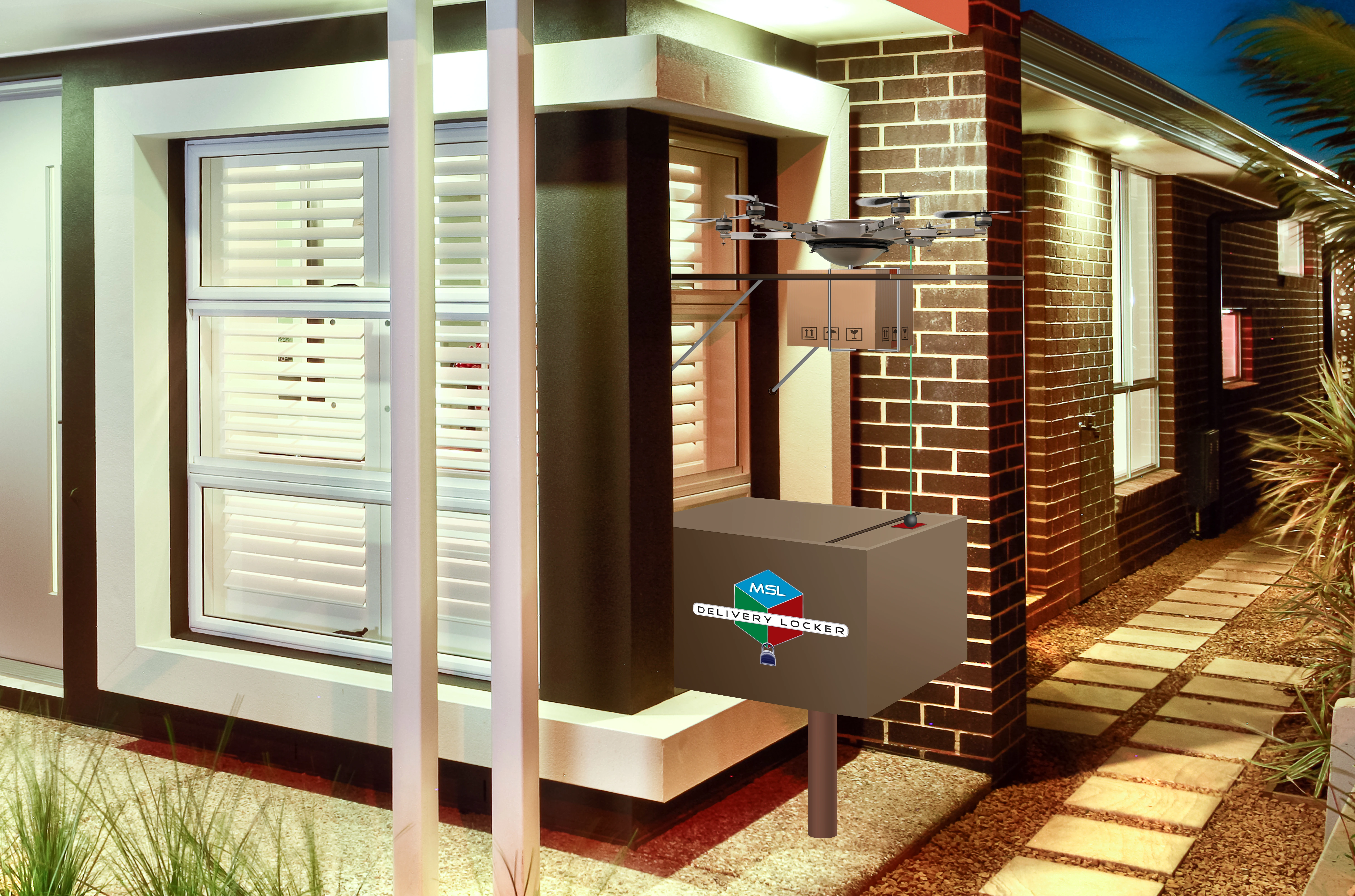
Driving-in delivery persons, order ahead and order now customers can pickup orders from Drone locker placed inside a parking lot.
Drones can move the orders from order preparation area (kitchen) to any drone locker placed in any parking spot in a parking lot.
Drone Pickup Locker
Drone Delivery Locker
Any Employee - 30 Minute Training
Self-Guided manual will expediate the training process
Any Location - Installation
Sprint-Thru™ system can be installed in any new or any existing drive-thru can be converted
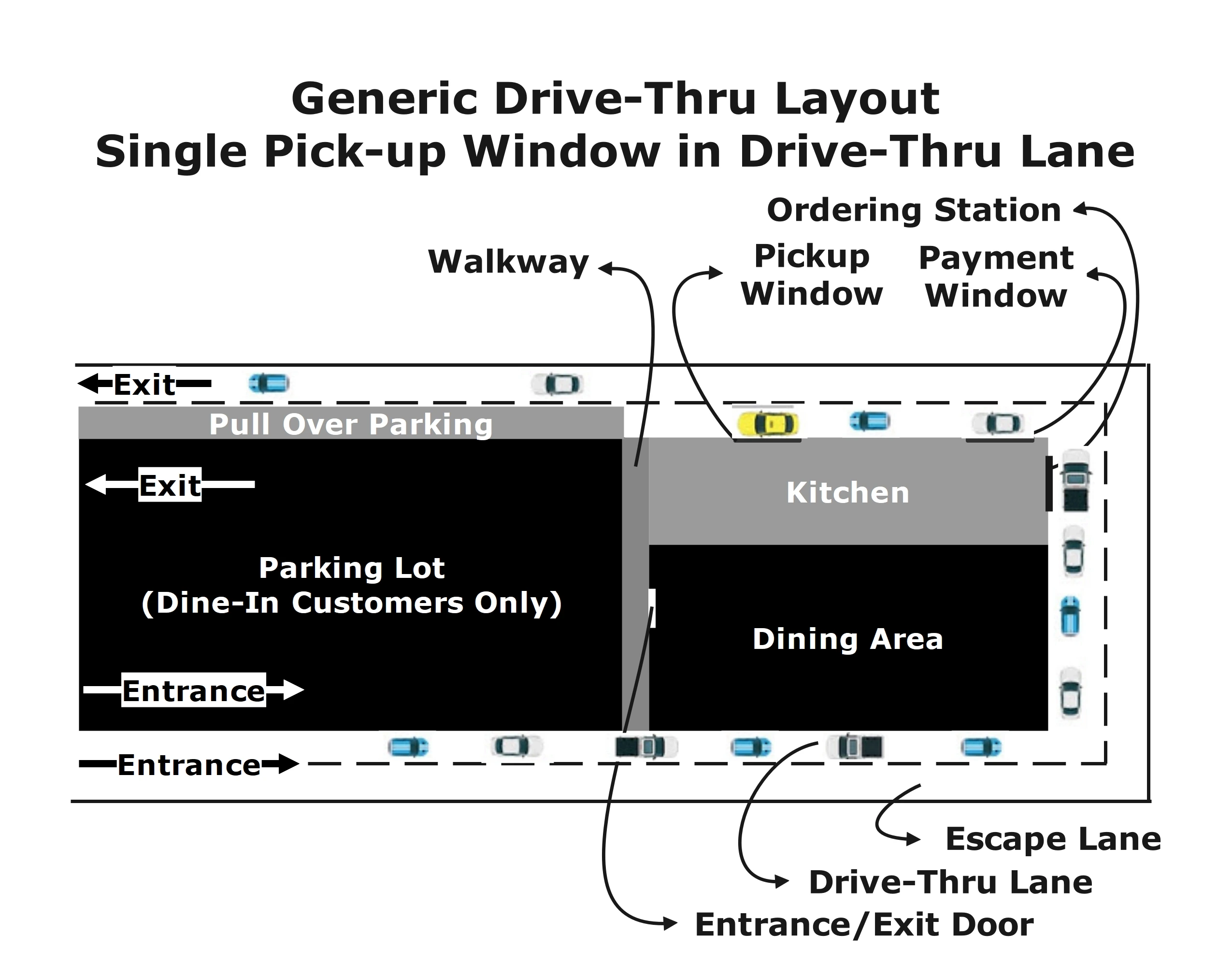
Generic Drive-Thru Layout
Generic Sprint-Thru™ Layout
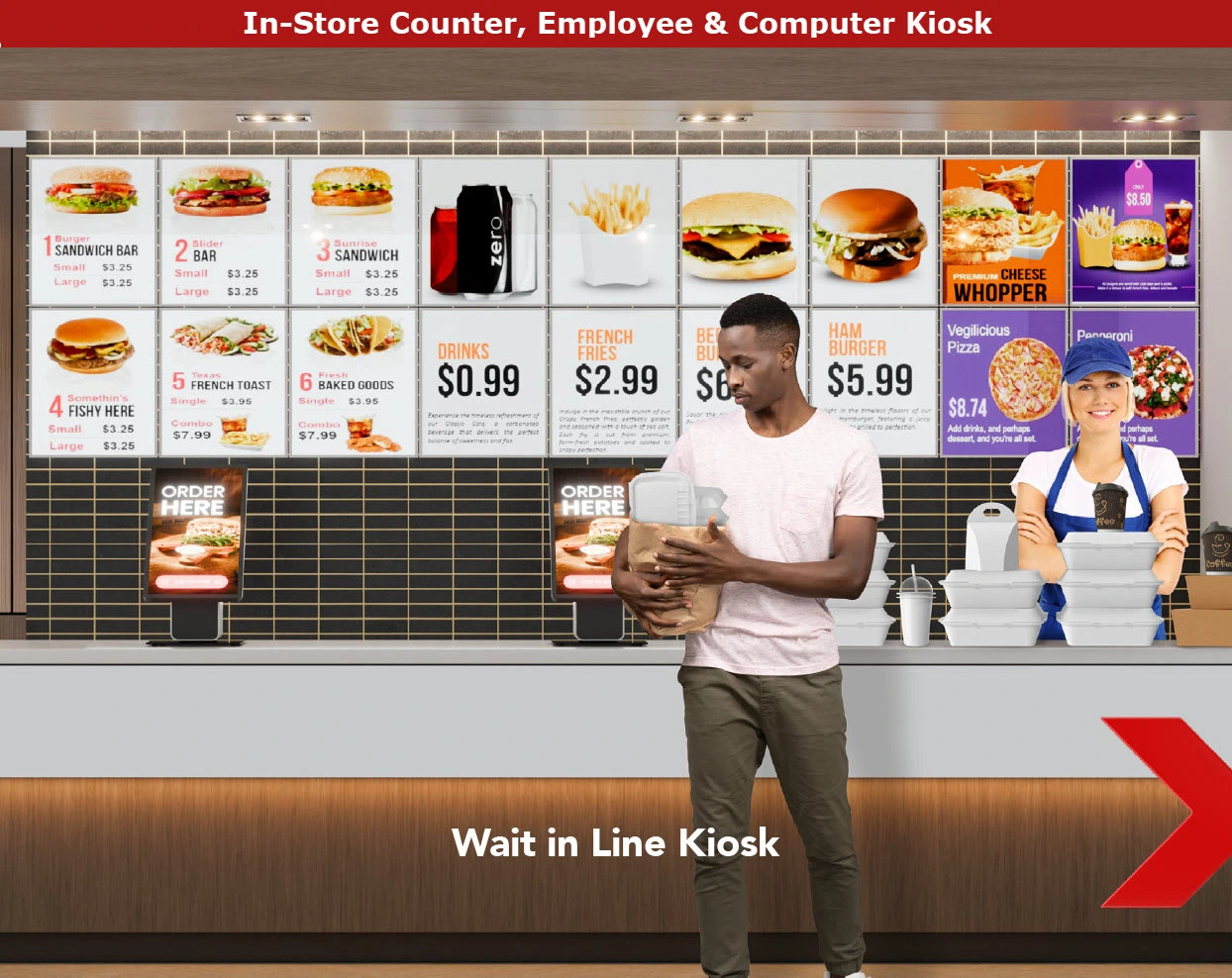
Generic Counter Layout
Generic Sprint-Thru™ Counter Less Layout
Generic Curbside Layout
Generic Sprint-Thru™ Curbside Layout
Faster turn around - No Temparature Controllers
Any Location - Traffic Manager Only
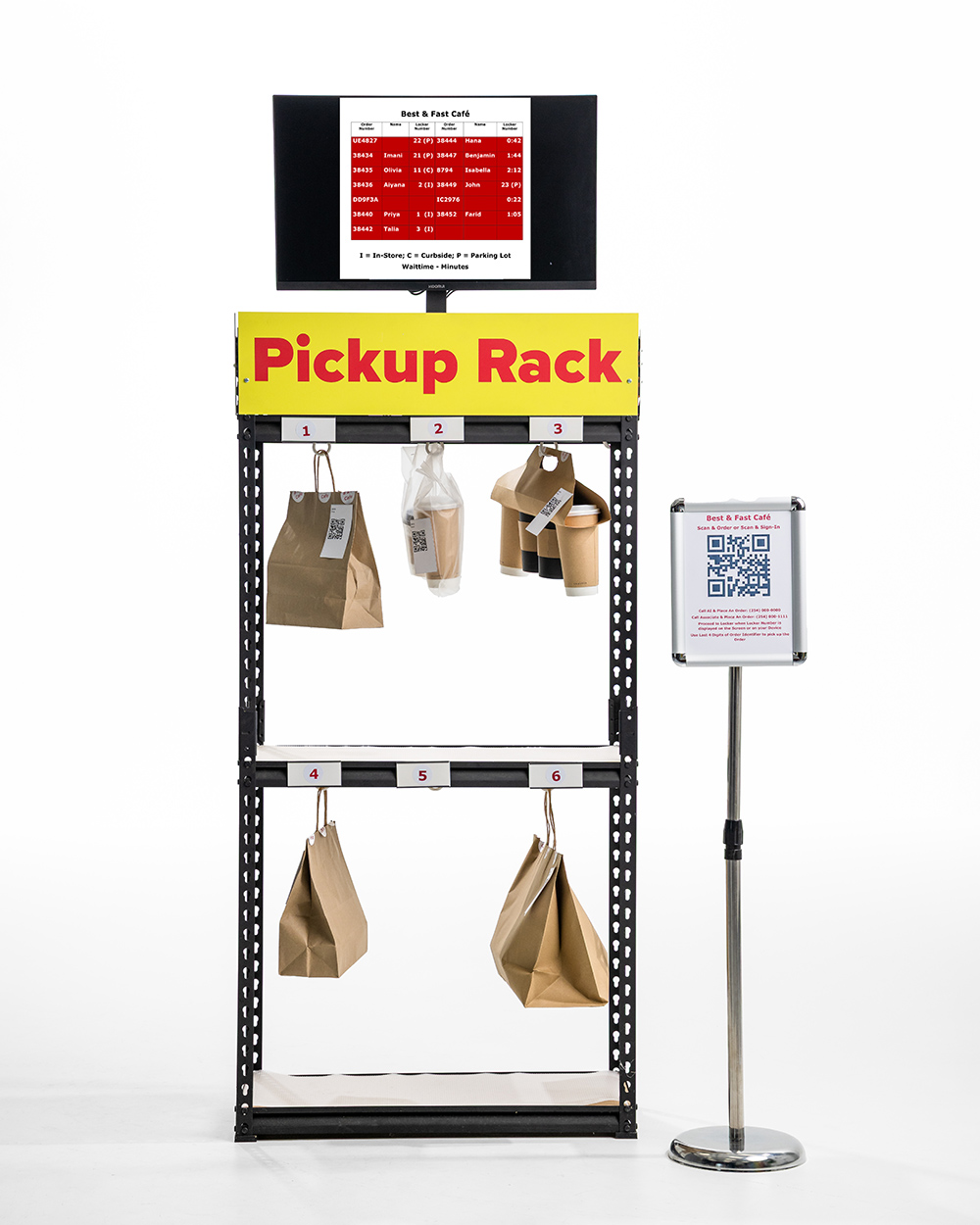
Traffic manager part of the Sprint-Thru™ system is also available without lockers
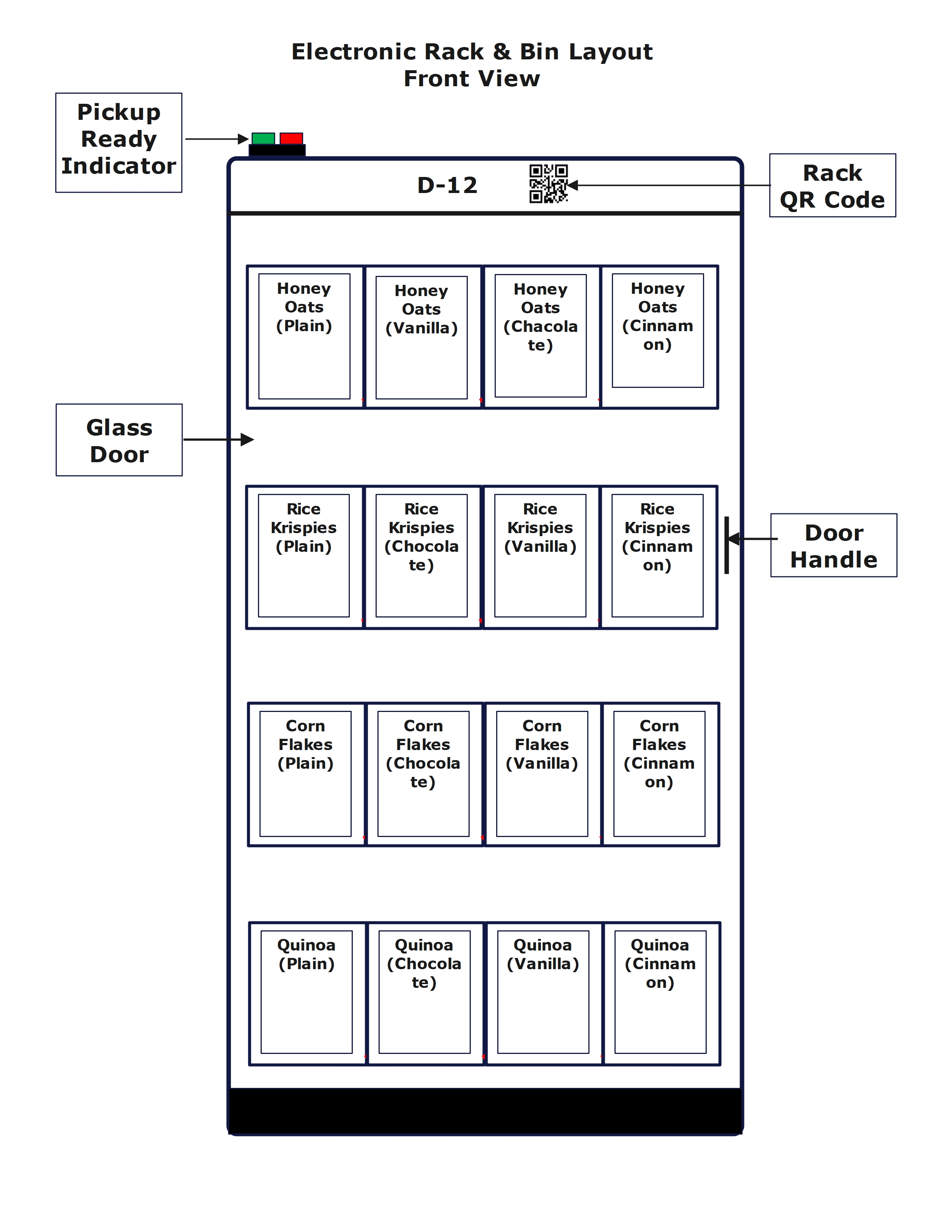
Instead of using lockers, orders can be
left in a rack with an order display screen or
orders can be handed out
Any Location - Regulatory impediments
Following are some of the reasons, regulatory agencies cut down the number of drive-thrus, especially in urban areas where they can be more profitable:
Since Sprint-Thru™ can reduce the wait time significantly, the Traffic Jam and
Vehicle Exhaust Pollution can be reduced significantly.
Since Sprint-Thru™ does not use speakers to take orders noise will be reduced.
Regulatory agencies may take into consideration of Sprint-Thru™ benefits, and
may allow more Sprint-Thru™ locations.
Sprint-Thru™ Self Pour
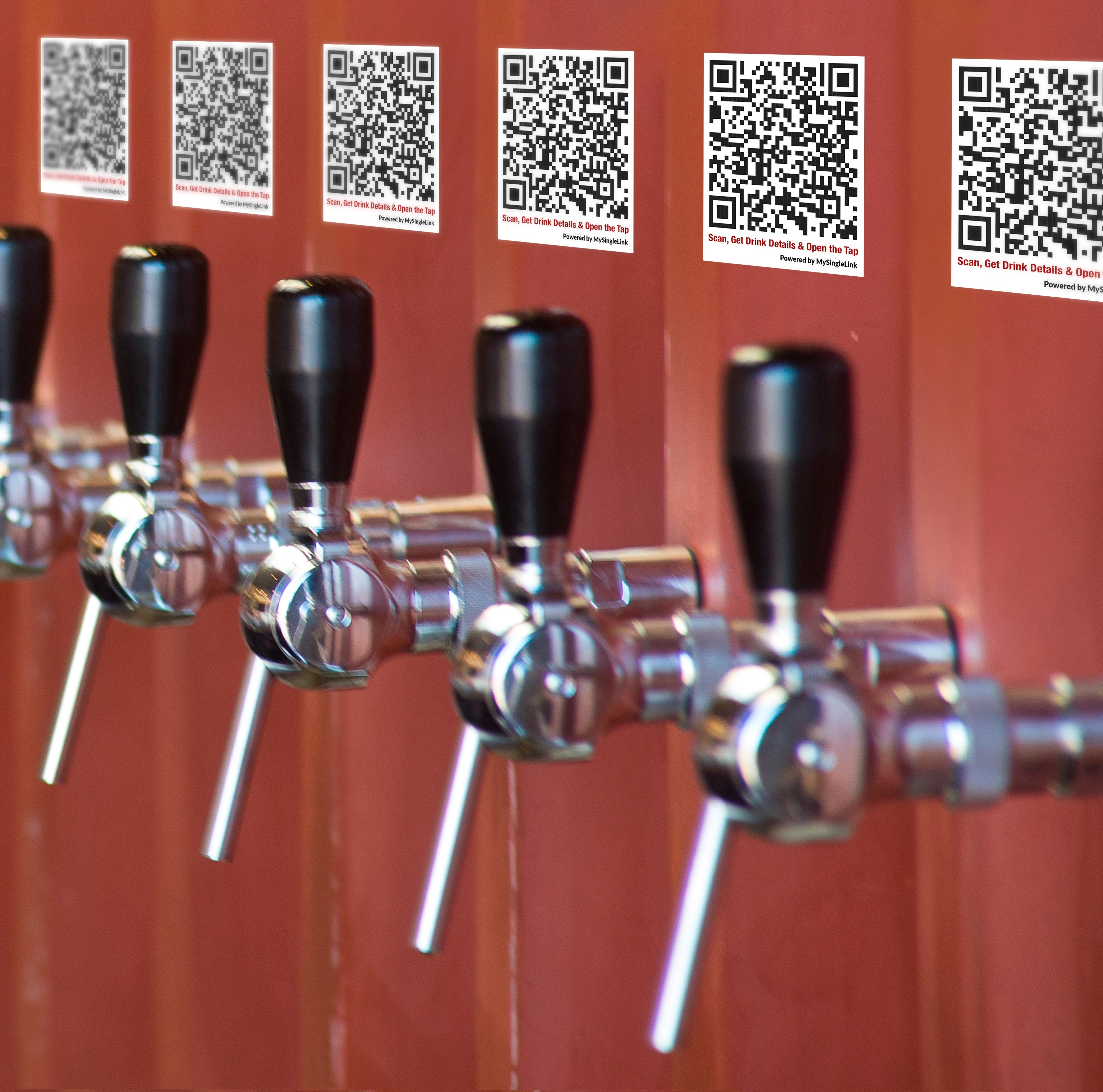
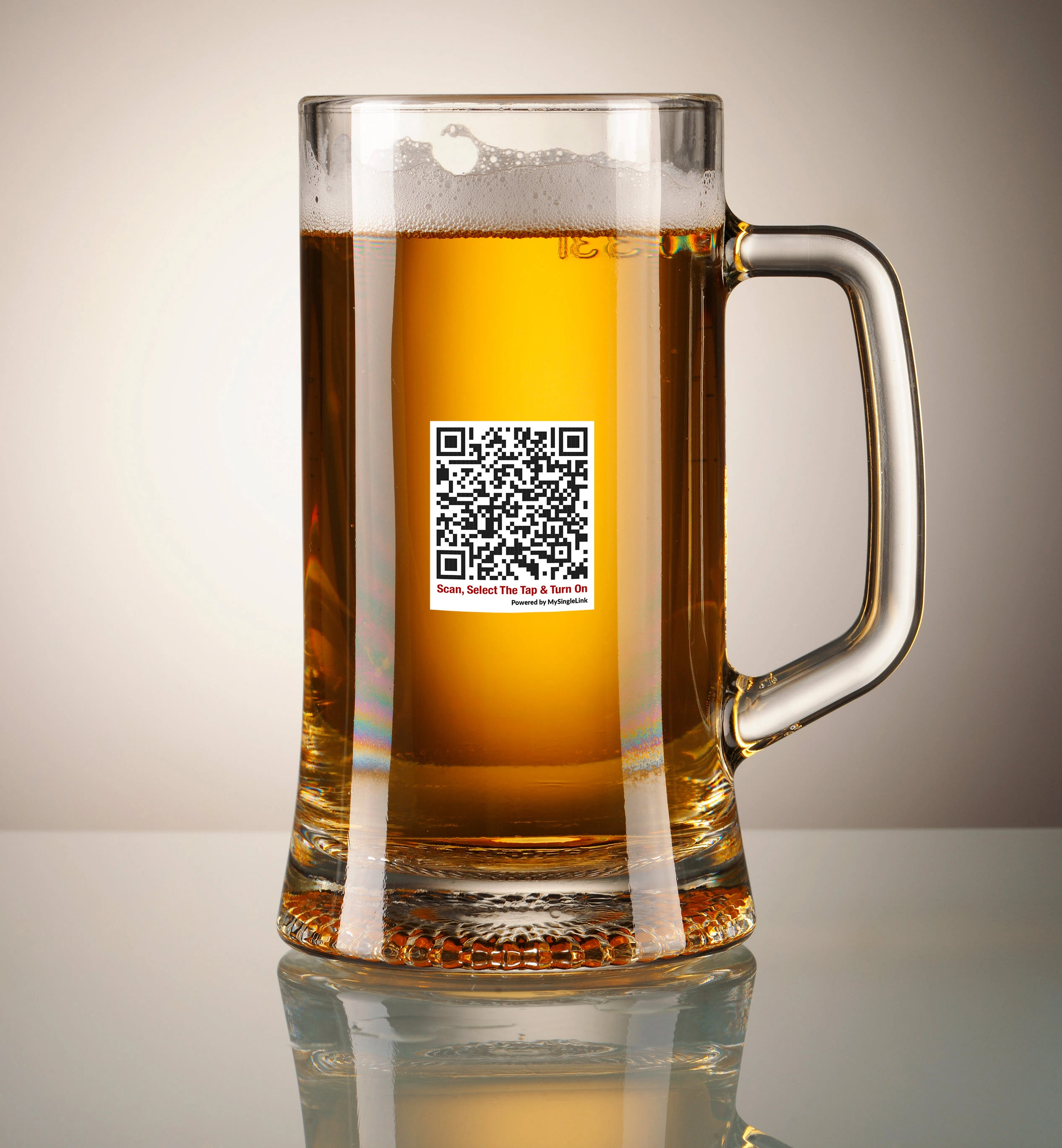
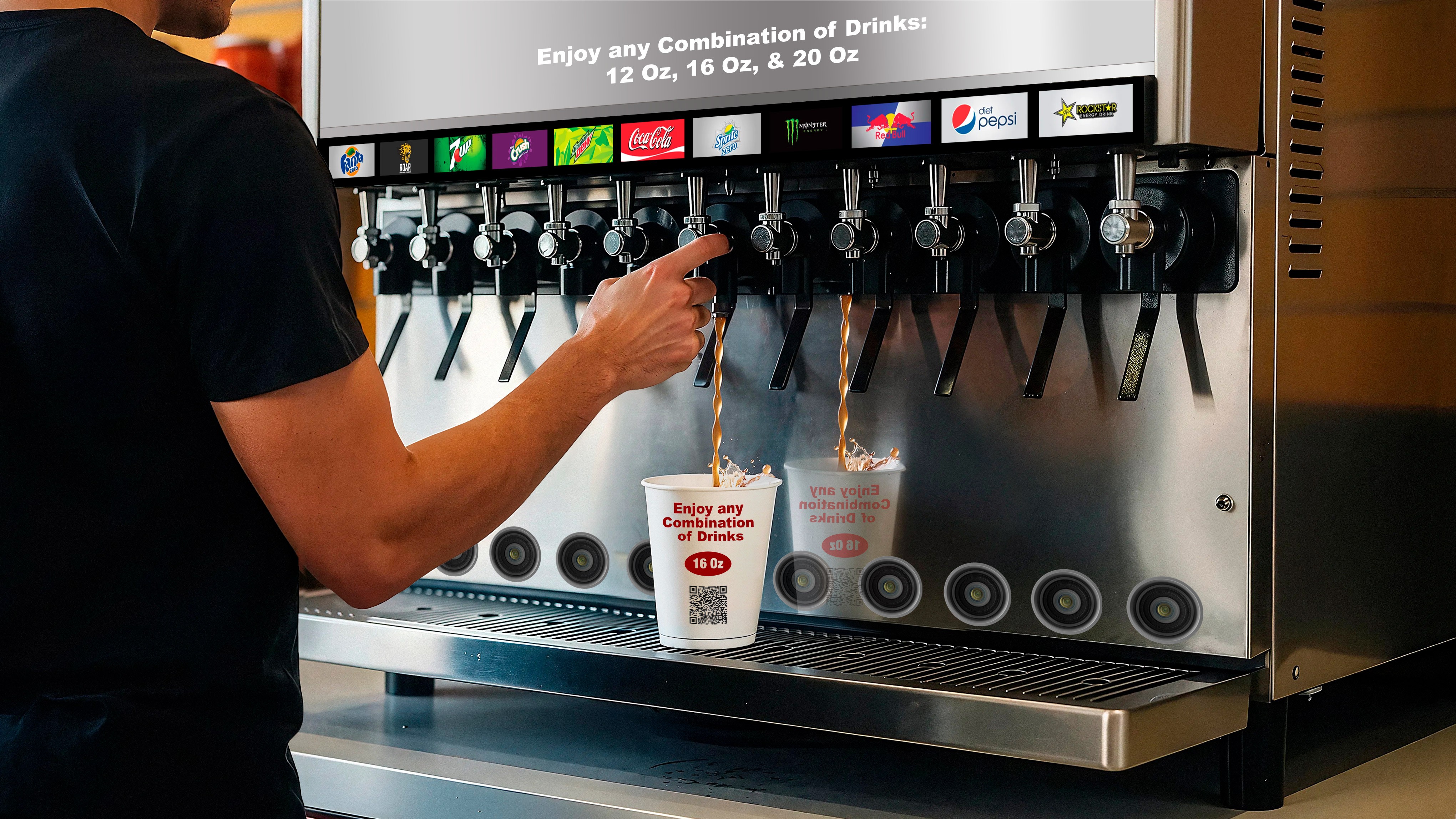
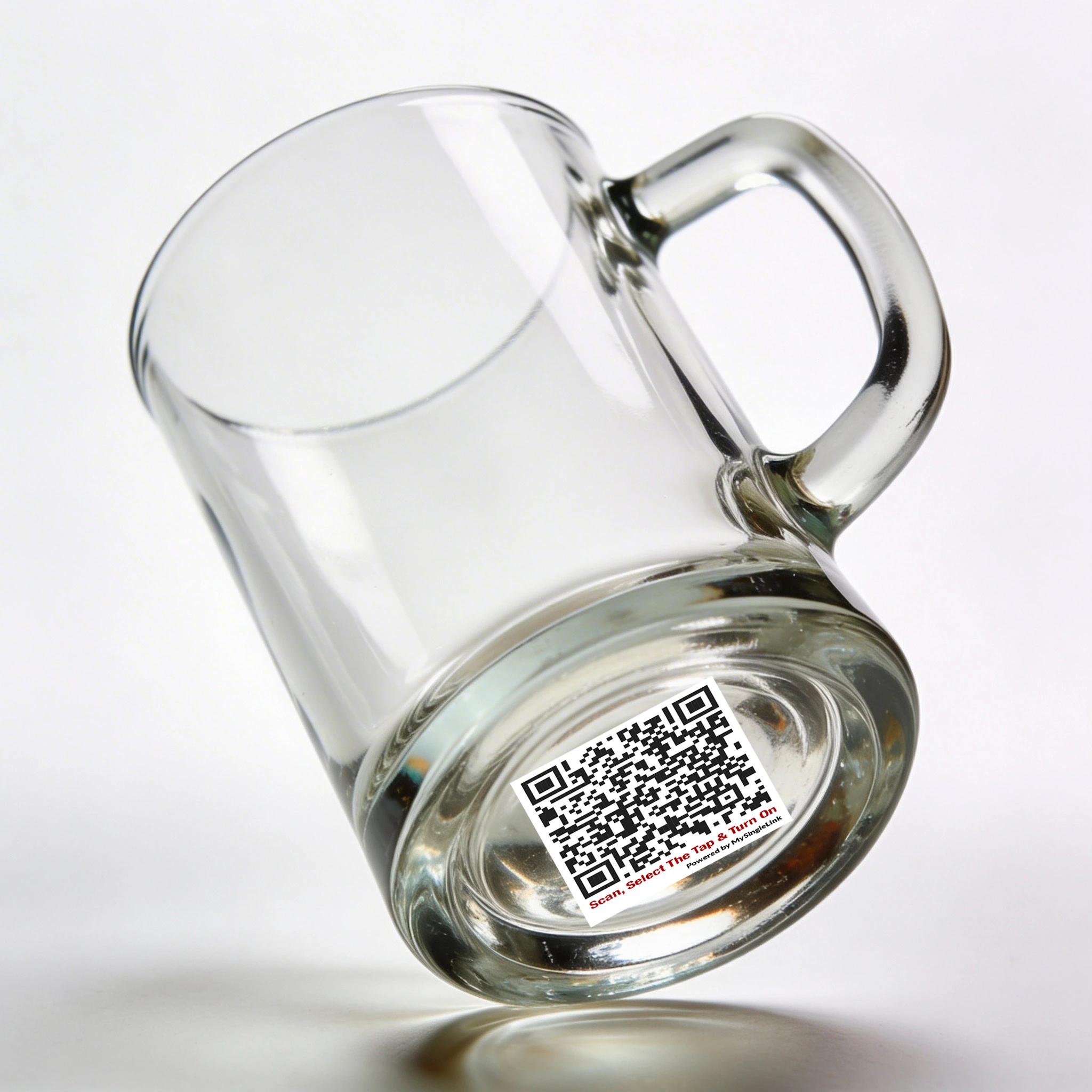
Sprint-Thru™ removes RFID cards and Wrist Bands by integrating self pour dispensers with Sprint-Thru™ advance authentication which would block unauthenticated users.
Glass QR Code
Dispenser QR Code
Core Benefit
No RFID or Wrist Band, so they cannot be shared
Bar hoppers cannot hop from bar to bar to get more alcohol drinks than allowed by law
Manual monitoring can be reduced or eliminated
One Platform - Every Self Pour System
Sprint-Thru™ provides easy to integrate API (Application Programming Interface) for every self pour system.
API integration is required.
One Procedure - Every Self Pour Station
Bring your own device (BYOD)
Mobile App is not required but supported.
Step 1
Scan a QR Code to get verified and to make payment
Step 2
Scan a QR Code printed on the glass or printed near the dispenser
Step 3
Open the dispenser and enjoy the drink
Any Self Pour Station - Multiple Authentication Types
Glass QR Code
Dispenser QR Code
Self-Pour with Glass QR Code
How does it work?
Self-Pour with Tap QR Code
How does it work?
Sprint-Thru™ Self Checkout
Scanner/RFID Vision
Computer Vision
Scan & Go
Core Benefit
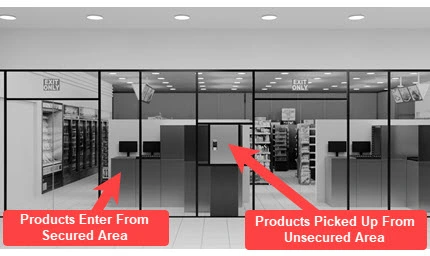
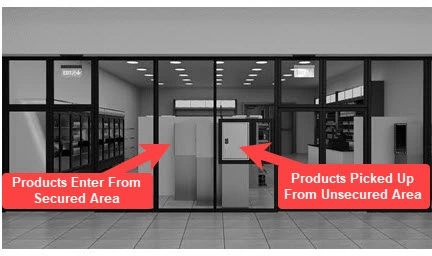
Purchased merchandise can move from secured area to unsecured area only through secured lockers, so the inventory shrinkage will be 0
Unpurchased merchandise can never move from secured area to unsecured area
Taking physical inventory will not be requird
One Platform - Every Retail POS
Sprint-Thru™ provides easy to integrate API (Application Programming Interface) for every retail POS system
API integration is required.
One Location - Multiple Checkout Station Types
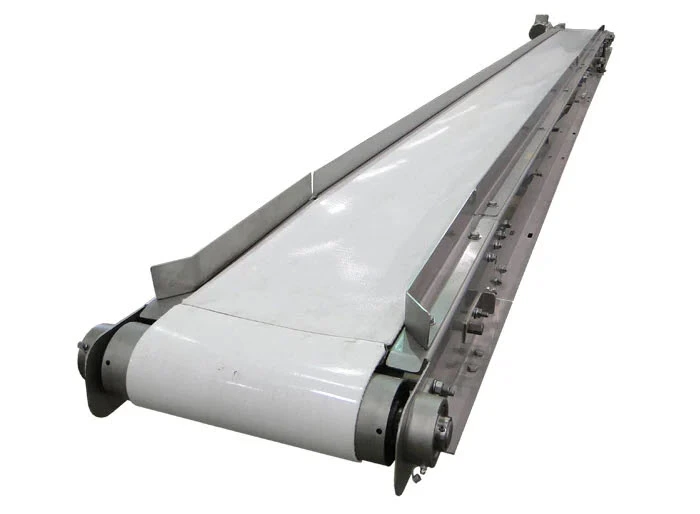
Conveyor Feed
Manual Feed
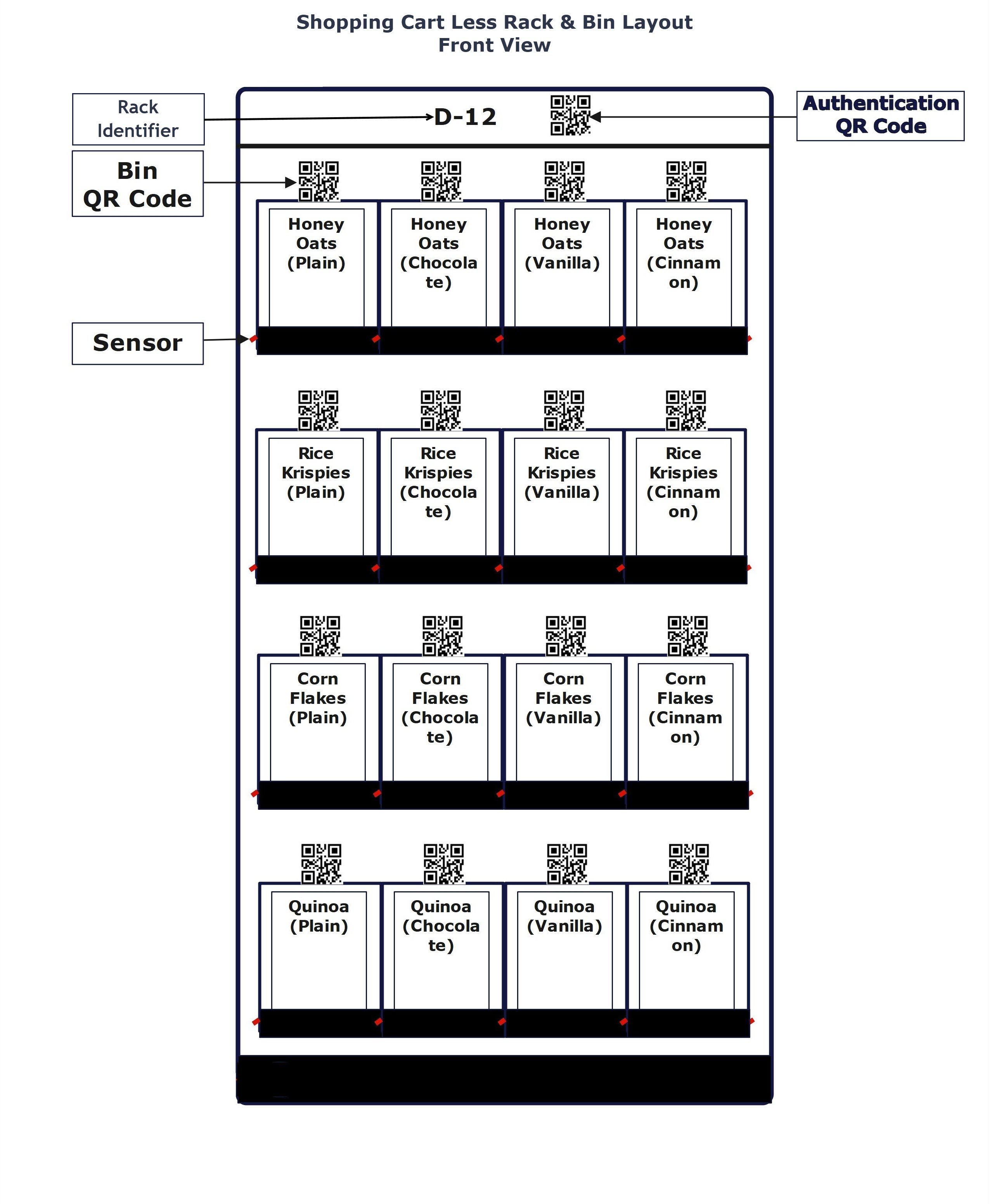
Shopping Cart Feed
Secured Self Checkout
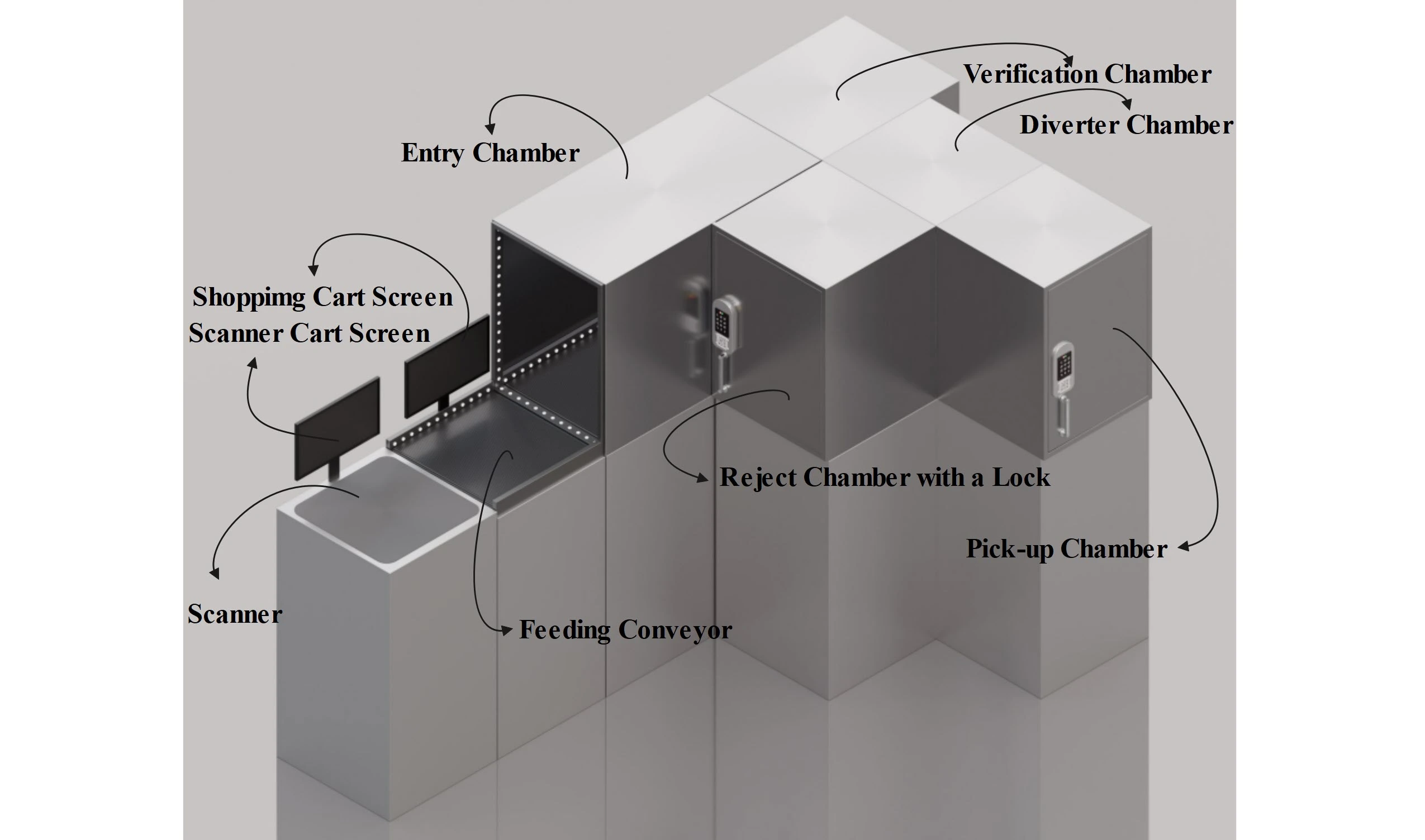
Conveyor Load
Step 1
From secured area scanned items will be placed on a conveyor
Step 2
Verified items will be sent to a locker
Unverified items will be sent to a reject chamber
Step 3
When payment is made for the items moved to the locker, the items can be retrieved from the locker from unsecured area.
Secured Self Checkout
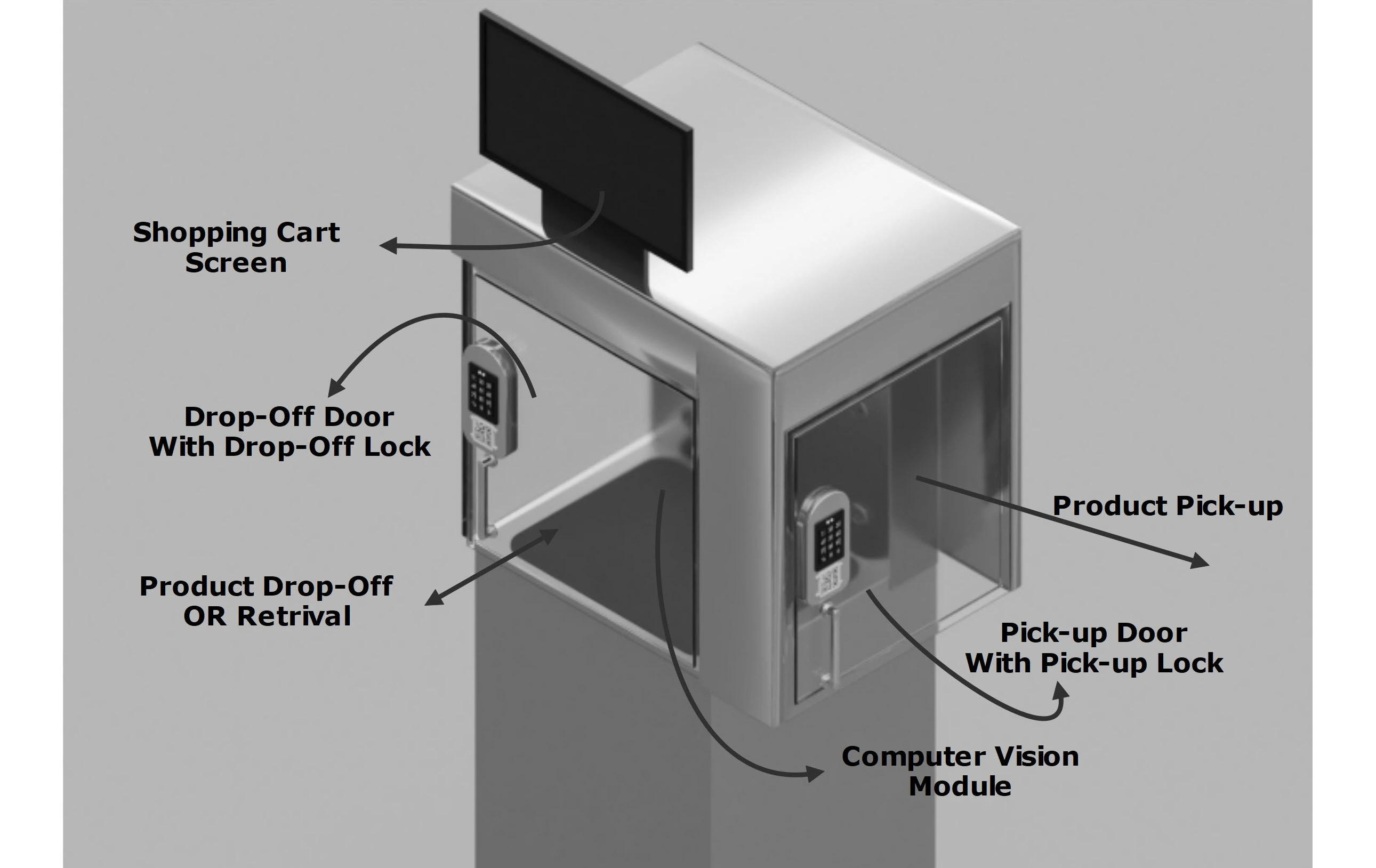
Manual Load
Step 1
From secured area items will be placed in a locker
Step 2
When all the items are verified the locker will be locked
Step 3
When payment is made for the items placed in the locker, the items can be retrieved from the locker from unsecured area.
Secured Self Checkout
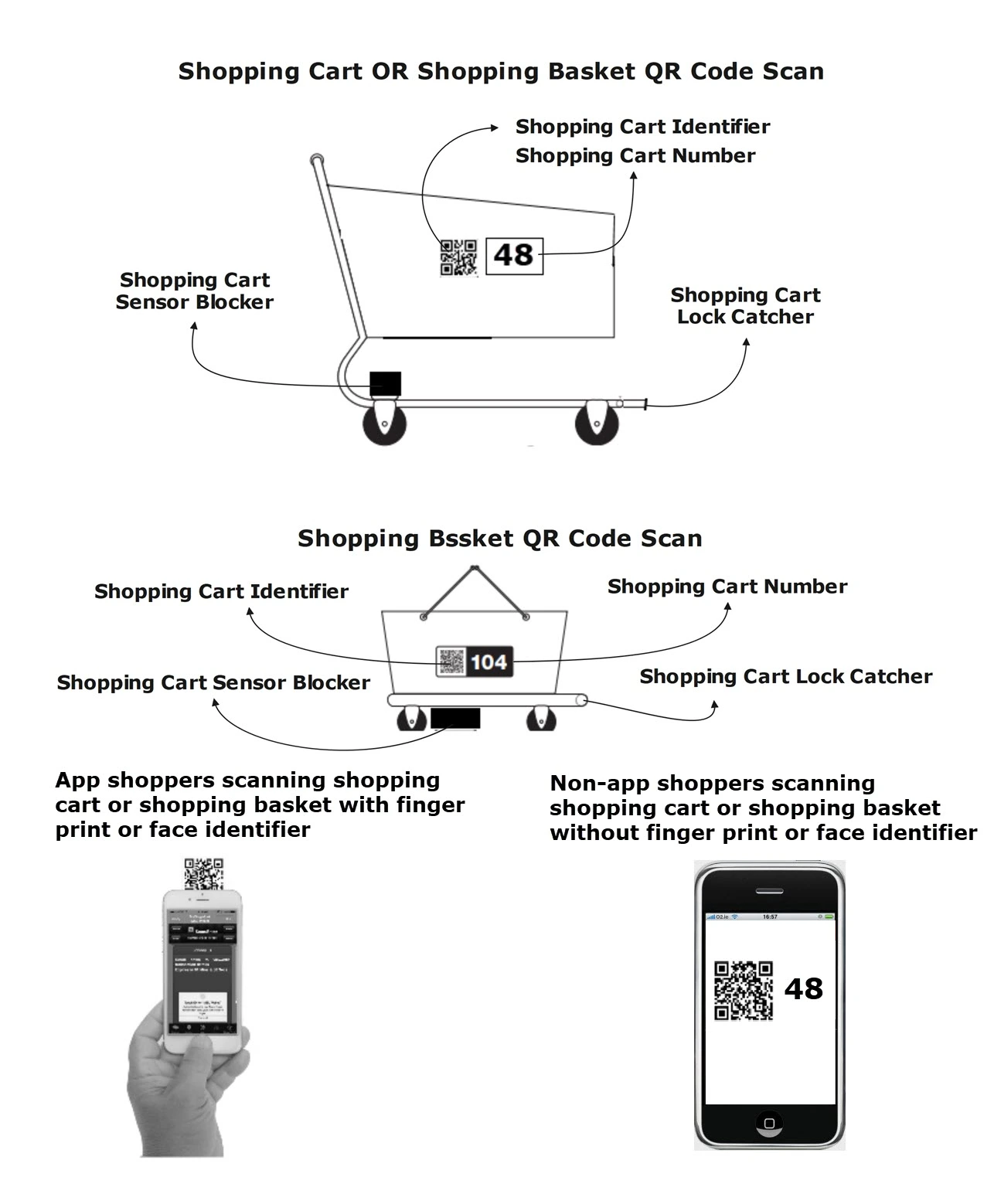
Scan & Go
Step 1
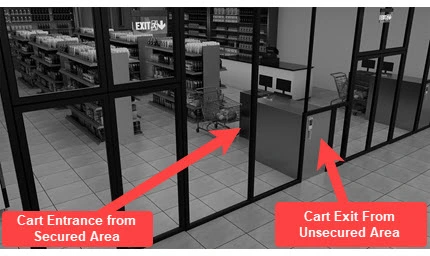
From the secured area, scanned items can be dropped inside a uniquely identified shopping cart.
Step 2
Shopping carts can be pushed into a lockable station.
Step 3
Upon making payment for the items in the shopping cart, the shopping cart can be pulled out from unsecured area.
Sprint-Thru™ Cashierless Go Store
Sprint-Thru™ Cashierless Go Store can also be referred as Sprint-Thru™ Cashierless Store and Sprint-Thru™ Go Store
Product Pusher
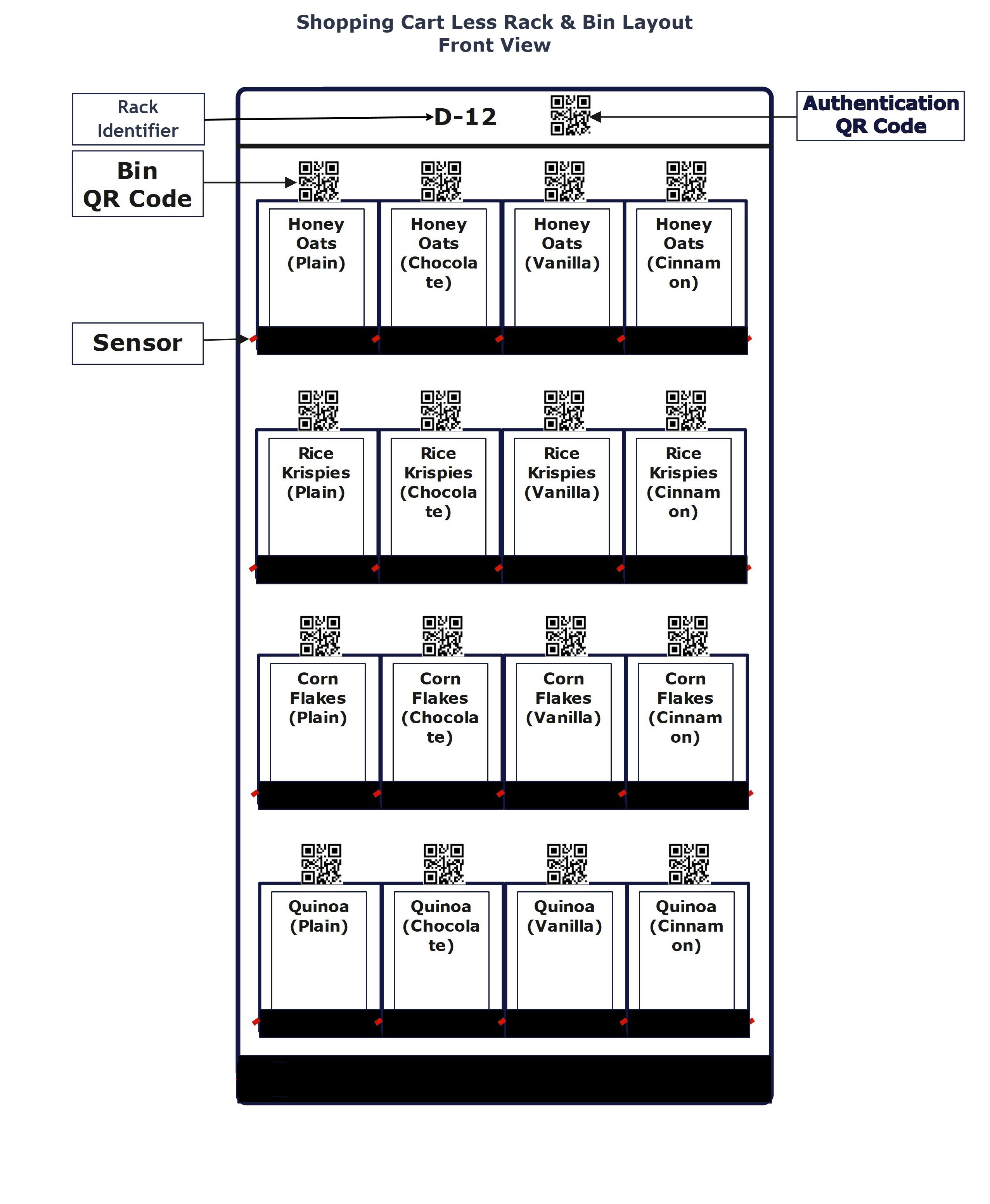
Rack/bin Pickup
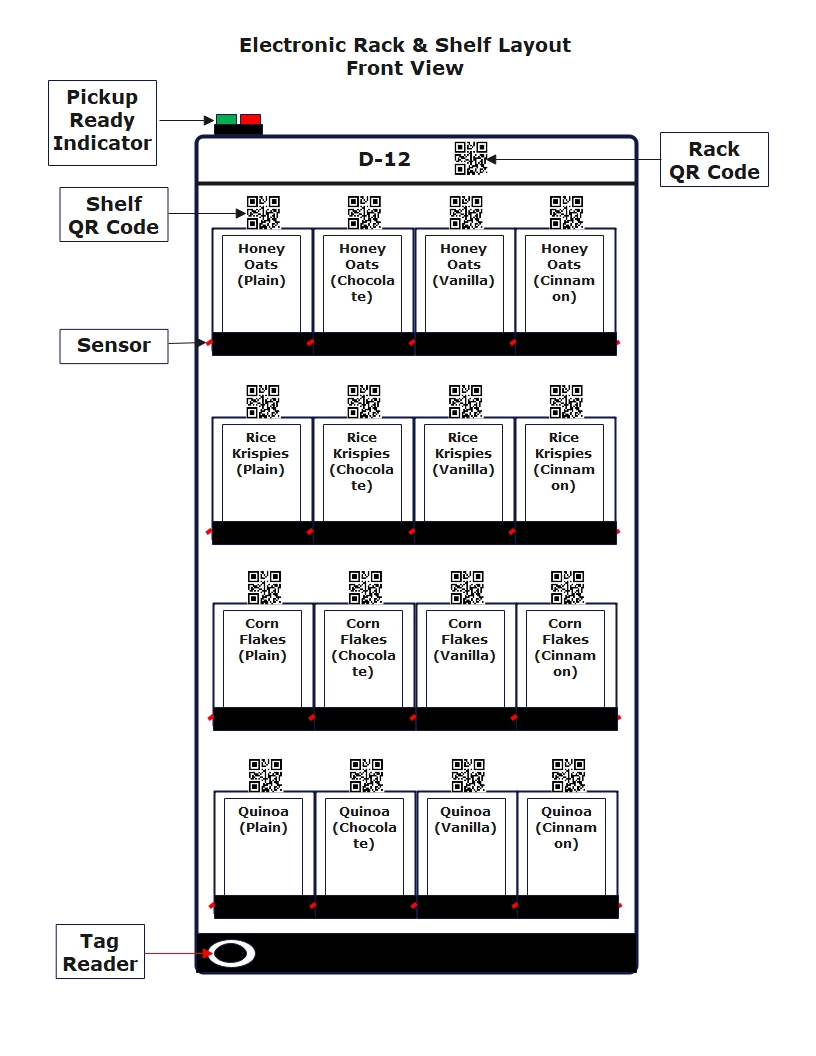
Tag Pickup
AI Pickup
Core Benefit
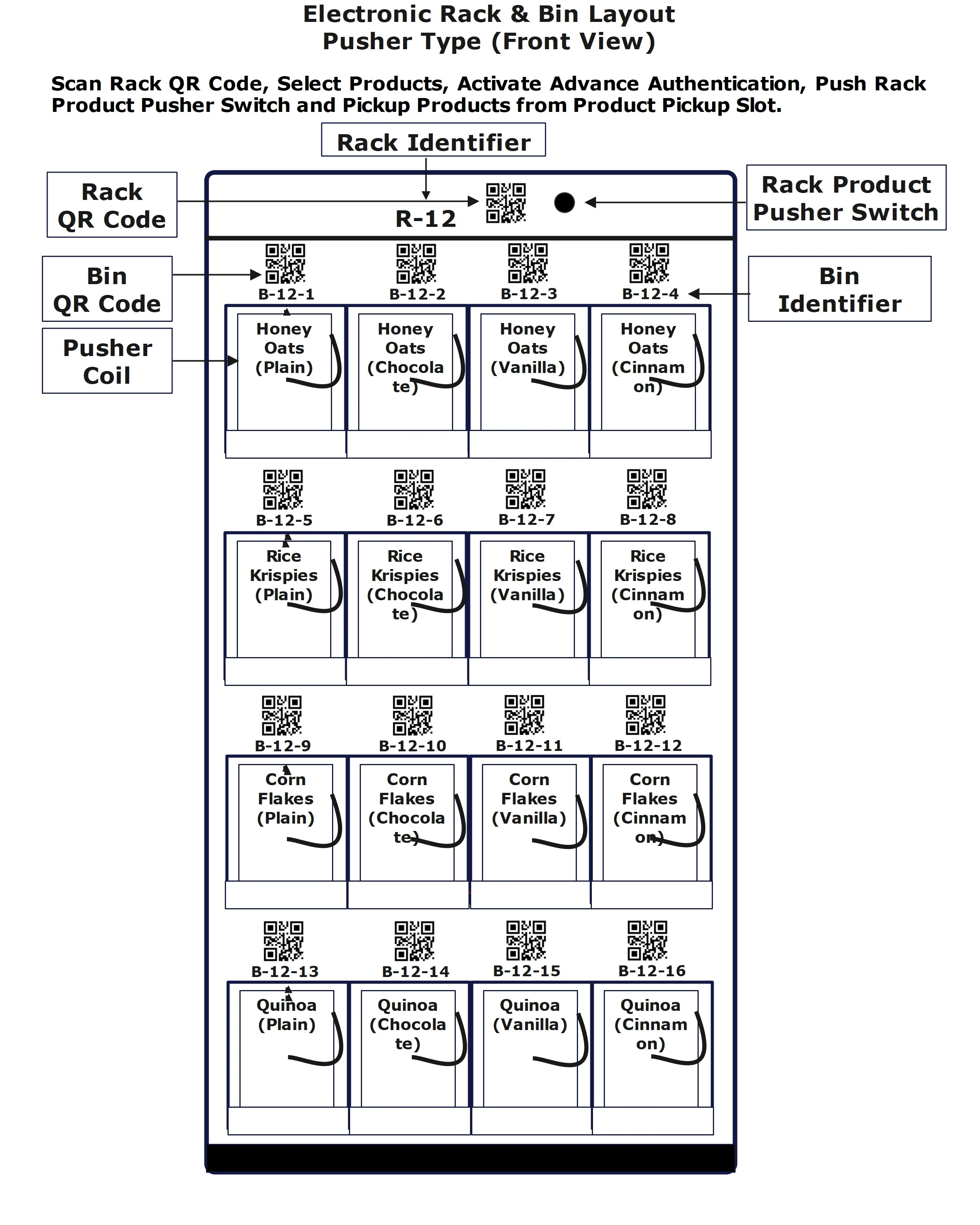
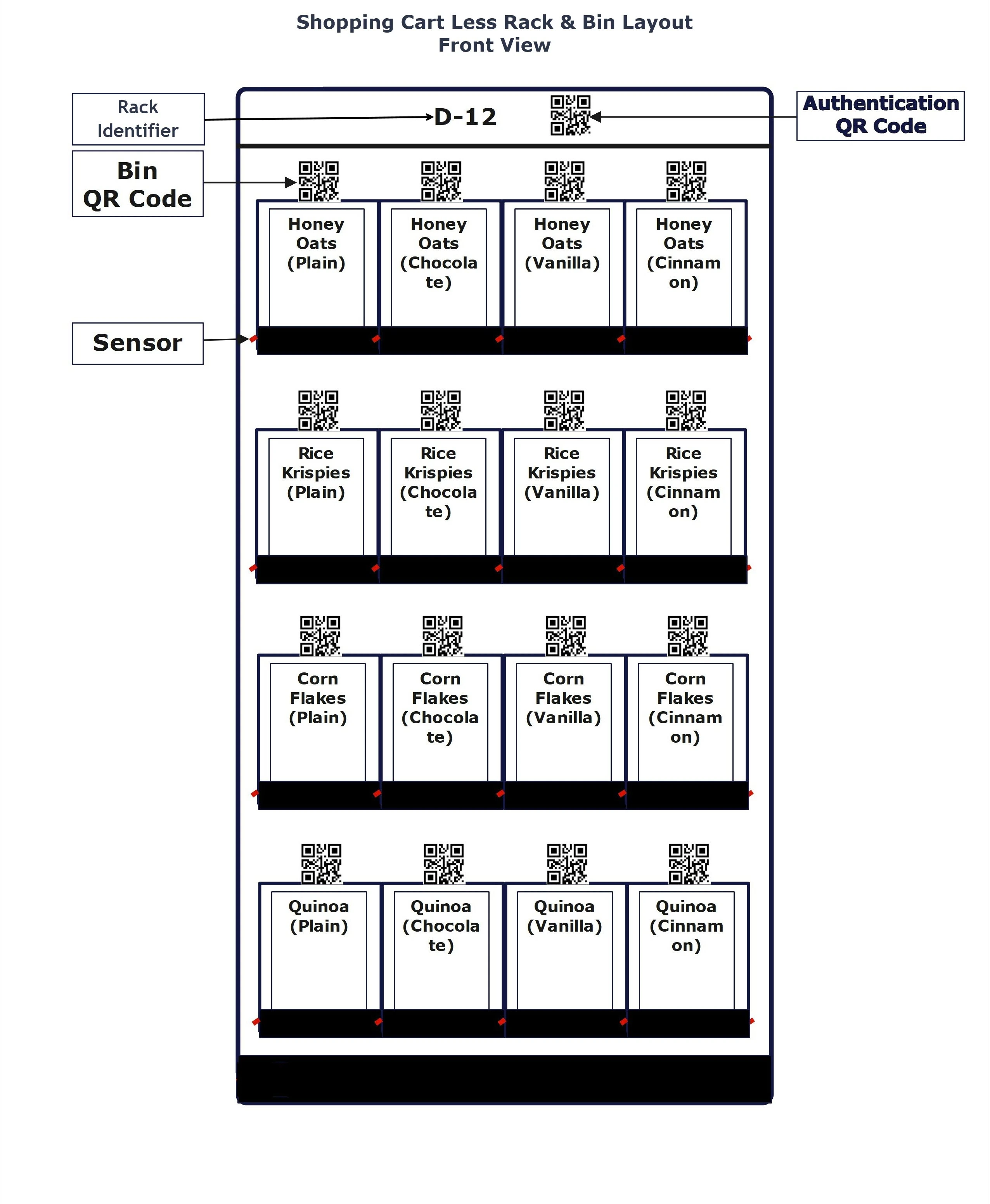
Products can be pushed out of secured area to unsecured area or products can be picked up from secured bins only with advanced authentication.
Taking physical inventory will not be requird
One Platform - Every Retail POS
Sprint-Thru™ provides easy to integrate API (Application Programming Interface) for every retail POS system
API integration is required.
One Location - Multiple Product Pickup Types
Product Pusher
Rack/Bin Pickup
Tag Pickup
AI Pickup
Cashier Less Product Pusher
How does it work?
Cashier Less Sensor
How does it work?
Cashier Less Tag Reader
How does it work?
Cashier Less AI Pickup
How does it work?
Sprint-Thru™ Secured Deliveries
Single Unit
Multi Unit
Drones
Core Benefit
Single-Unit Delivery
Package Security
Out-door & In-door Deliveries
Multi-Unit Delivery
No user id or password for delivery persons
Easy to Administar
Single Locker can be added or removed
Possibly Additioal Revenue
One Procedure - Multiple Delivery Types
No Texting, No Emailing & No Calling
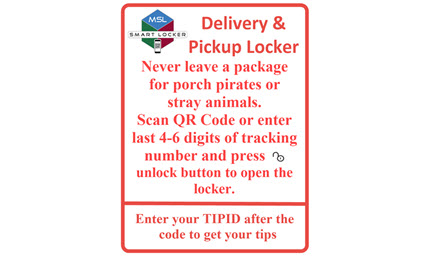
Part of tracking identifier is locker one-time code
Package Delivery Single Unit
Package Delivery Multi Unit
Package Drone Delivery
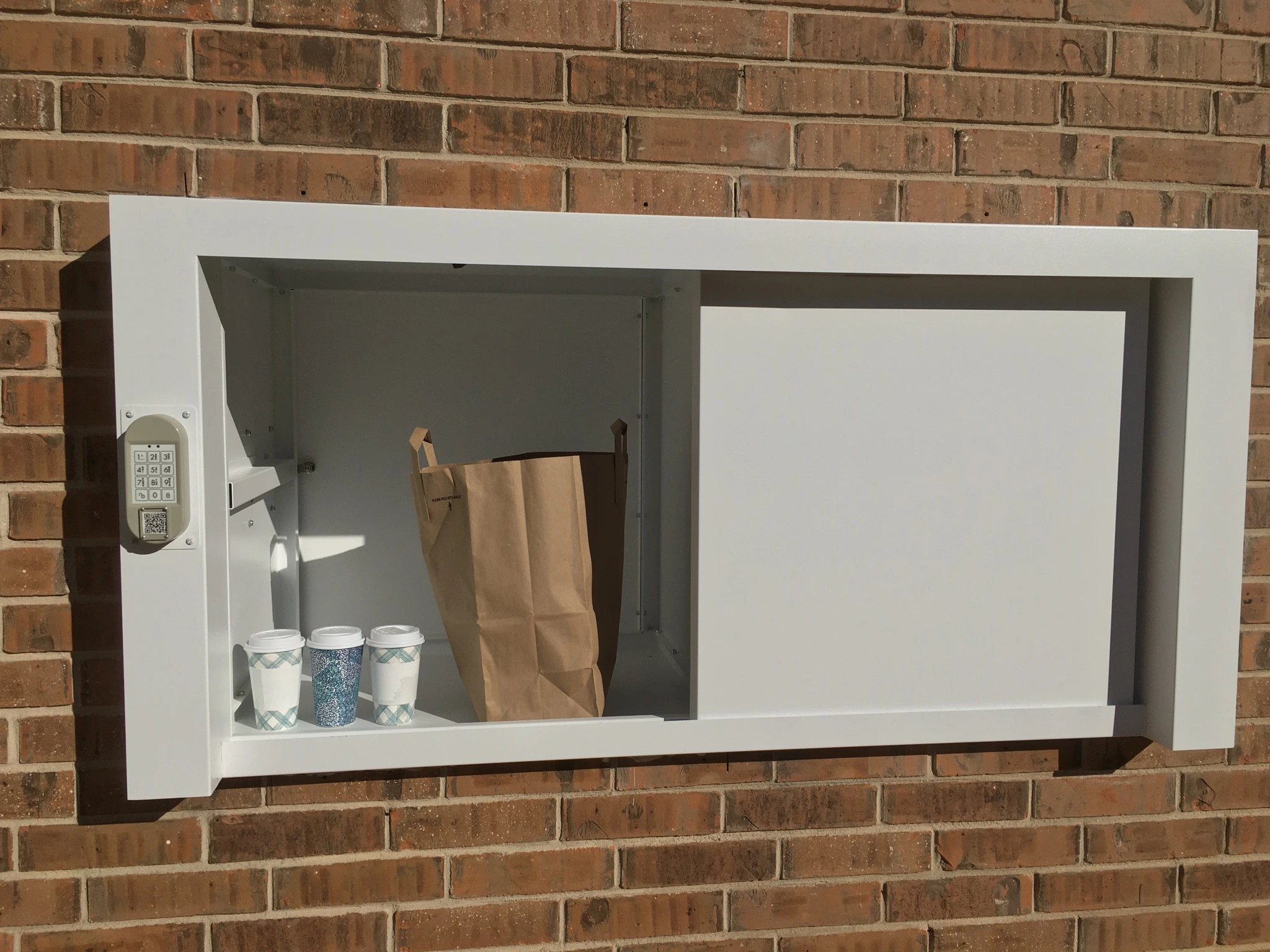
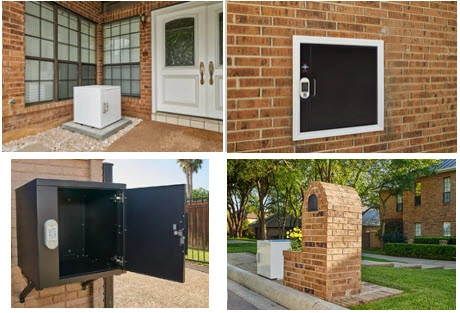
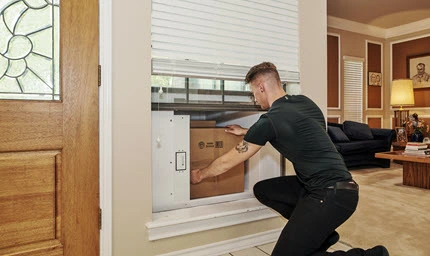
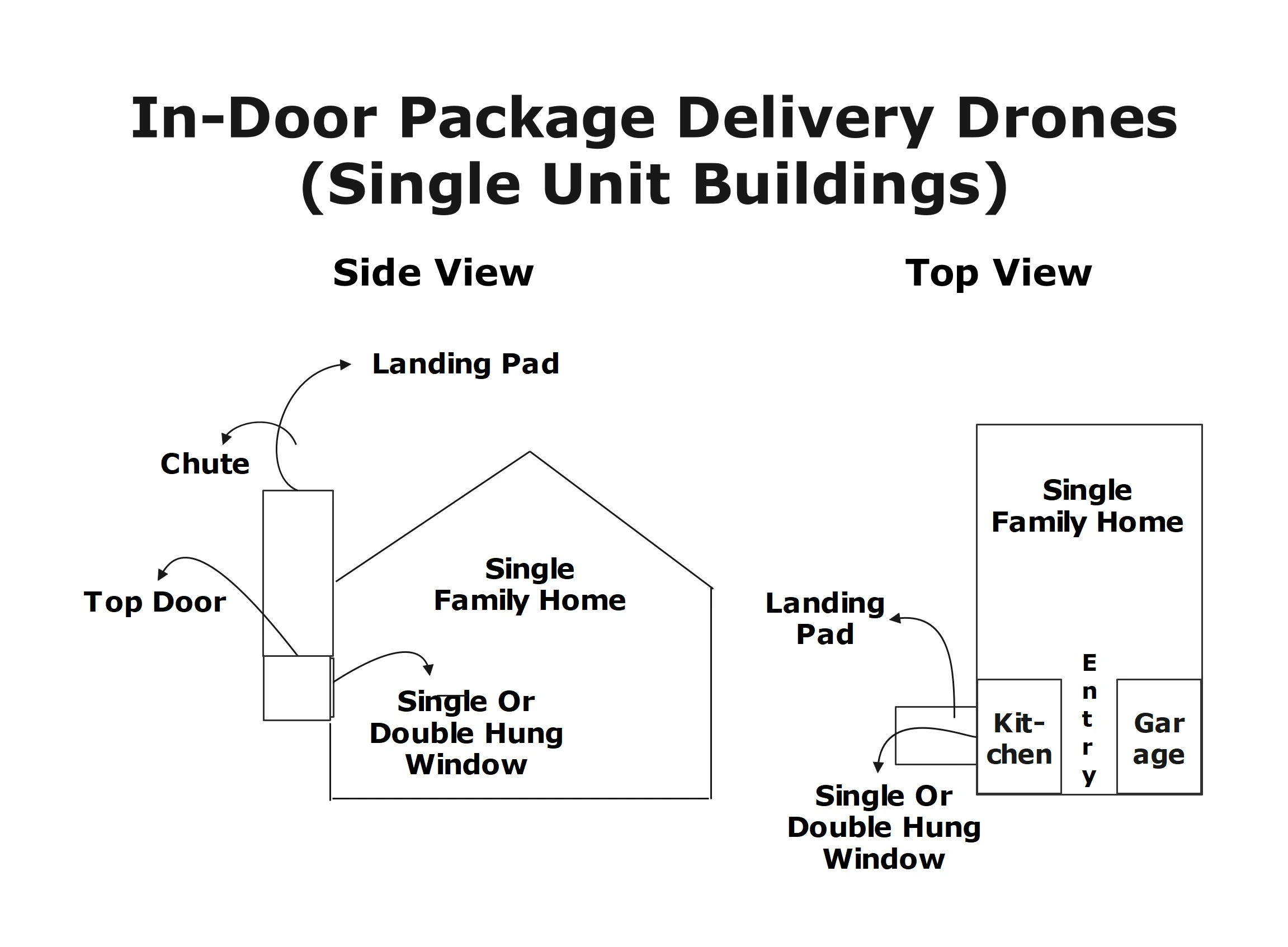
Deliveries can be made at the curbside, front door or whereever the locker is accessible from inside and outside through a wall or window.
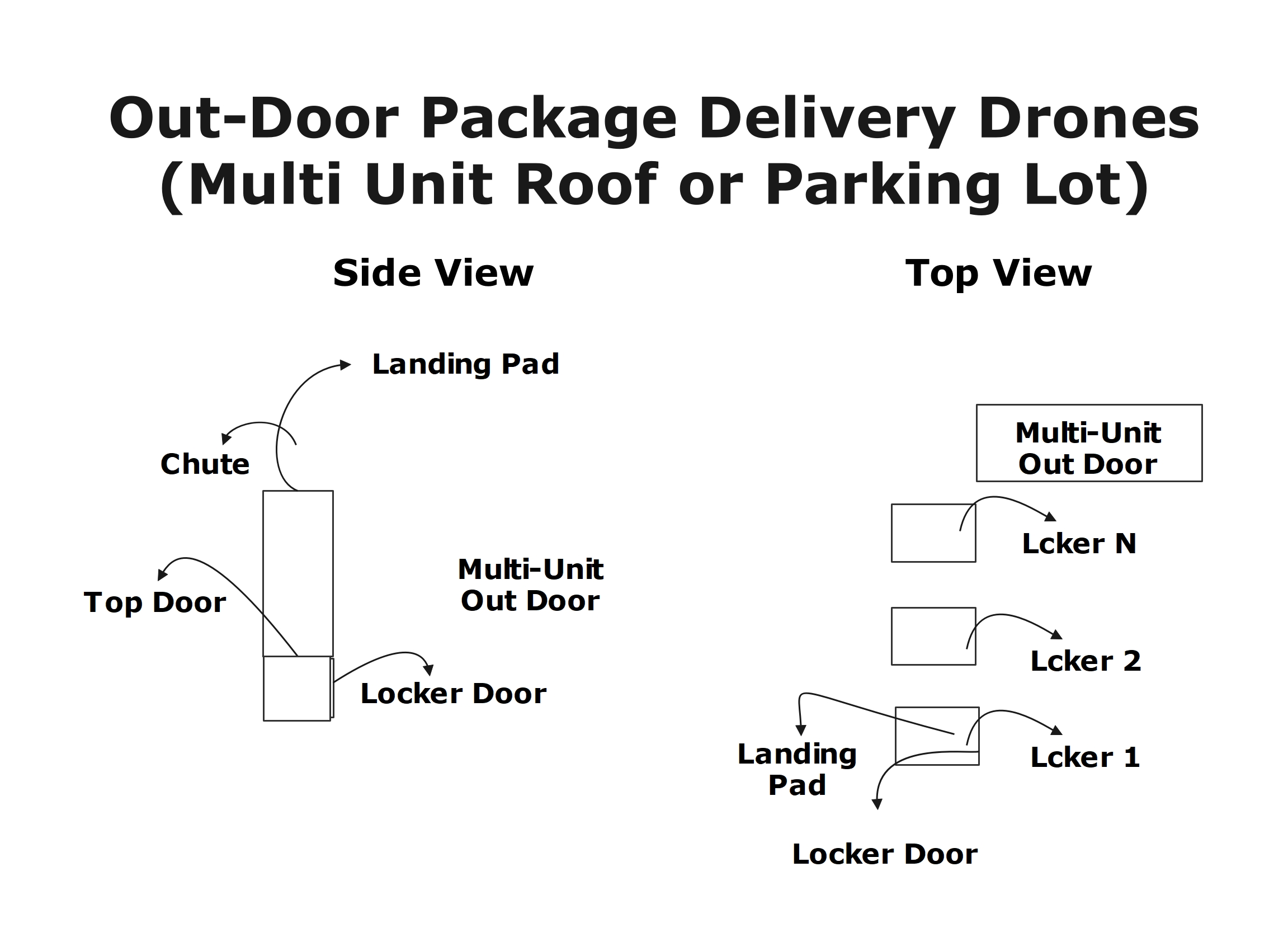
Deliveries can be made to a locker hub shared by multi-unit occupants.
In future Drones can directly drop package into Drone Lockers which will be accessible from inside or from outside.
Package Delivery to Single-Unit Lockers
Single Unit Delivery & Pickup Instructions
Single Unit Outdoor Delivery & Pickup
Single Unit Outdoor Delivery
Single Unit Indoor Pickup
Package Delivery to Multi-Unit Lockers
Package Delivery by Drones
Sprint-Thru™ drone delivery disrupts existing ground package delivery technologies by providing drones to deliver packages to single and multi-unit buildings.
Single Unit Delivery
Multi-Unit Delivery
Sprint-Thru™ Password & OTP Less Applications
Password Less Logins
One-Time Passcode Less Call Centers
2 Factor Authentication Plus (2FA+)
Multi Device Captcha
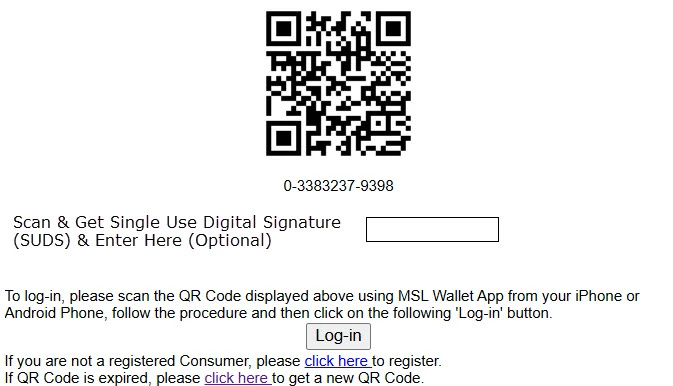
Web sites can be accessed without user id and password.
Call centers can be accessed without giving Personal Identification Number (PIN).
2 Factor Authentication Plus can be used instead of 2 Factor Authentication.
Multi Device Captcha is more secured and easy to replace Single Device Captcha.
Password Less Logins
Desktop Browser Version
Multi-Factor Authentication
The number of factors used in the autnentication depends on whether the consumer used an app or not
One-Time Passcode Less Verification
2 Factor Authentication Plus
2FA Page
Sprint-Thru™ 2FA+ Page
Security
Current Captcha Page
Sprint-Thru™ Captcha Page
Drive-Thru Order Pickup - QSR Study
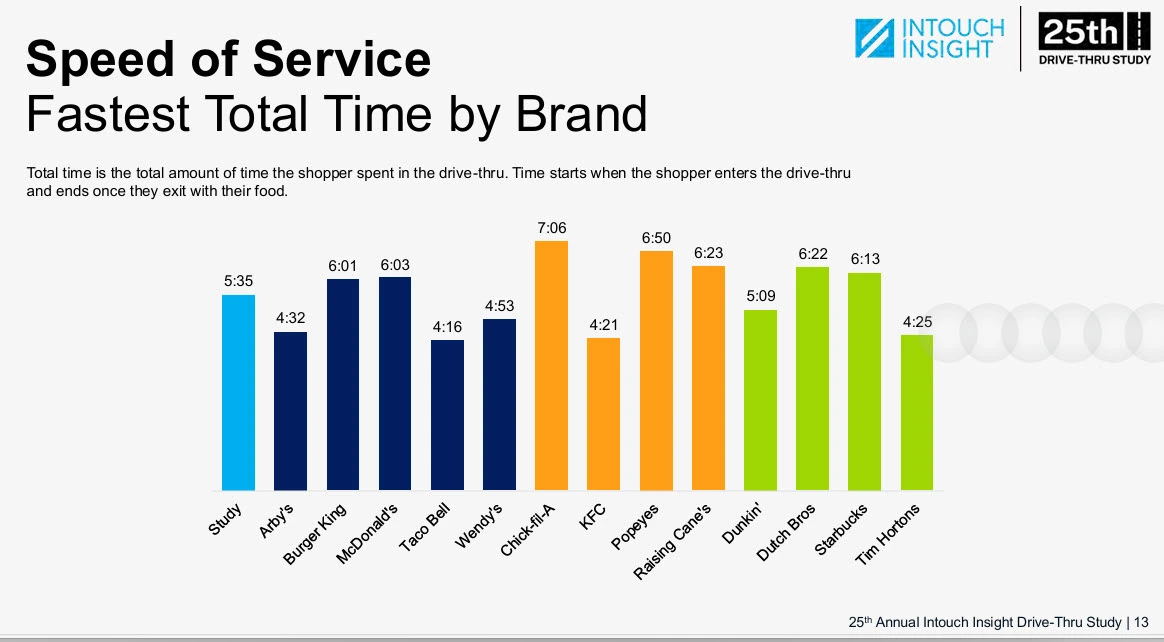
The annual QSR Drive-Thru Study released for the last 20 years is well recognized in the industry. The QSR Drive-Thru Study 2025 conducted by QSR Magazine in partnership with Intouch Insight using mystery shoppers and sample locations primarily focused on the following touch points which are used in comparing drive-thru and Sprint-Thru™ for this time study:
Description
QSR Study (2025)
Sprint-Thru
Best
Worst
Projected
Wait Times
Taco Bell: 61.00
Chick-Fila: 99.00
30.00
Service Times
Taco Bell: 195.00
Chick-Fila: 327.00
0.00 - Prep Time + 30.00
Total Times
Taco Bell: 256.00
Chick-Fila: 426.00
30.00 - Prep Time + 60
Order Accuracy
Dutch Bros: 96%
Taco Bell: 85%
100%
Suggestive Selling
KFC: 84%
Taco Bell: 37%
100%
Food Quality
Raising Canes: 100%
Starbucks: 83%
100%
Sprint-Thru™ Projected Details:
Total Time:
Fastest:
Order Ahead Customers and Delivery Persons whose
orders are ready when they arrive can pick up in 30.00. The
total time will be 30.00.
Slowest:
Order Now Customers can place orders within 30.00,
wait for Order Preparaton and pick up in 30.00. The total
time will be Order Preparation Time plus 60.00
Order Accuracy:
Always will be 100%.
Customers take the responsibility for entering the orders.
Suggestive Selling:
Always will be 100%.
Customers are directed to online ordering systems through
a QR Code.
Online ordering systems can access customer profile, past orders
and current orders to
provide meaningful suggestions.
Food Quality:
Always will be 100%.
Vehicle ordering and waiting areas are far away from
order pickup stations.
When order pickup stations with transporters are used the
order drop-off points (accessibe from preparation area) and order
pick-up points (accessible from parking lot)are far away from
each order.
Vehicle pollutants will not enter into order preparation areas.
Prepared food will always be fresh, because orders will never stay
inside the lockers for more than one or two minutes.
Order Pickup - ROI
QSR 2024 Study.
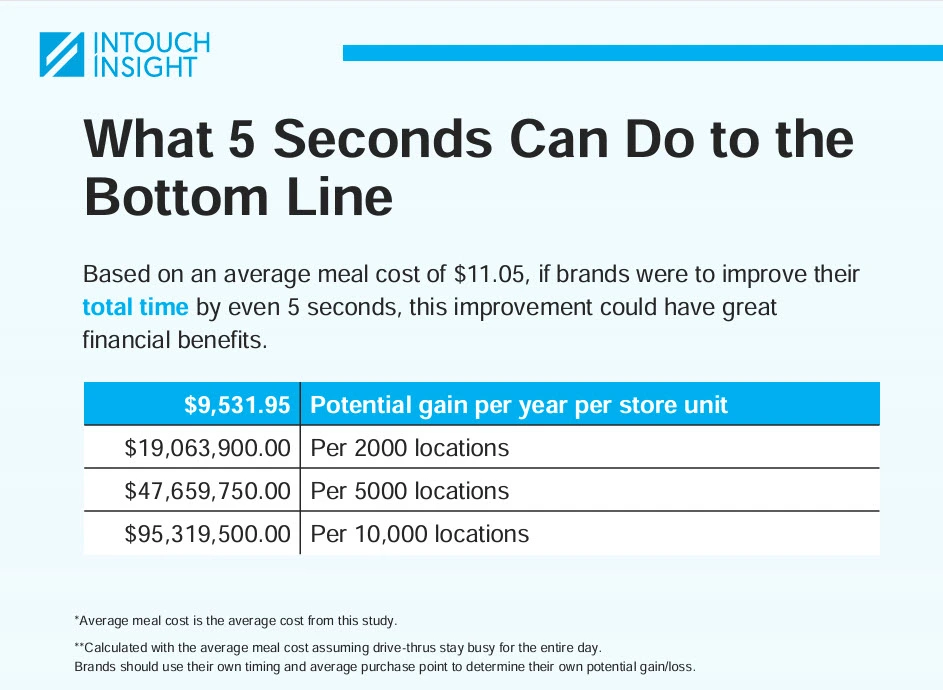
Total Time Impact on Lost Revenue:
Per Year Per Store for every 5 seconds: $9,531.95
The Return On Investment can vary and depend on the following factors:
The minimum Return On Investment calculated as a percentage per year would be in 3 figures.
Following are the 3 options available for setting up Sprint-Thru™ System and available signage for display under each option. The Return On Investment (ROI) would depend on the selected option, the required initial investment based on the setup, recurring cost and recurring savings:
Parking Lot & In-Store Pick Up
Approved Signage:
Your Business Name
Sprint-Thru™
Parking Lot Pick Up
Approved Signage:
Your Business Name
Sprint-Thru™
Parking Lot
In-Store & Cubside Pick Up
Approved Signage:
Your Business Name
Sprint-Thru™
In-Store
The above signage would indicate that the location is licensed to use Sprint-Thru™ for parking lot and for in-store pick up
The above signage would indicate that the location is licensed to use Sprint-Thru™ for parking lot pick up only.
The above signage would indicate that the location is licensed to use Sprint-Thru™ for in-store and/or curbside pick up only.
ROI Details - Parking Lot & In-Store Pick Up
Initial Investment (Sprint-Thru):
In-store & Curbside Smart Lockers (6):
(In any combination)
2,994.00
Computer (Not Sold by Sprint-Thru):
799.00
2 Display Monitors
(Not sold by Sprint-Thru)
398.00
In-store Payment Terminals (3):
1,500.00
Parking Lot Pick Up Stations with Transporters (3):
45,000.00
Additional Outdoor Screens:
(Not sold by Sprint-Thru)
3,000.00
Parking Lot Payment Terminals (3):
1,500.00
Installation Cost 10% of Total Equipment Cost:
(Third party installer is required)
5,519.10
Sales Tax (Assumed at 8.00%):
4,856.81
Total Cost including Installation and Sales Tax:
65,566.91
Initial Investment (Drive-Thru):
It may not be even possible to build a drive-thru lane with more than one drive-thru window to a single building without using Sprint-Thru™ technology.
Recurring Cost (Sprint-Thru):
Signage Licensing Fee:
0.00
Sprint-Thru™ software as a service subscription fee:
0.00
iPoster QR Code download Fee:
0.00
Traffic Manager for In-Store: (Yearly Discounted Fee)
431.89
First In-Store Locker: (Yearly Discounted Fee)
215.89
Traffic Manager for Curbside: (Yearly Discounted Fee)
431.89
First Curbside Locker: (Yearly Discounted Fee)
215.89
Additional 4 In-Store or Curbside Lockers:
(21.49 X 4)
(Yearly Discounted Fee)
85.96
Traffic Manager for Parking Lot: (Yearly Discounted Fee)
431.89
3 Parking Lot Lockers:
(431.89 X 3)
(Discounted Yearly Subscription)
1,295.67
Total Yearly subscription cost:
3,108.99
Yearly Tax (Based on 8.00%):
248.72
Total yearly cost:
3,357.71
Expected Recurring Savings (Sprint-Thru):
Minimum Reduction in Employee Count:
(For parking lot, in-store & curbside automation)
4
Reduction in Employee Cost for reduction in Employee Count (4):
(30,000.00 per employee including tax and benefits)
120,000.00
Cost Basis:
(Yearly savings 120,000.00 - yearly cost 3,357.71)
116,642.29
Percent Basis:
(Cost Basis 116,642.29 / Initial Investment 65,566.91 as percentage)
177.89
ROI - Parking Lot Pick Up
Hypothetical Setup
Number of Parking Lot Pick Up Stations installed:
3 times faster than a drive-thru lane & Cost is less:
3
Summary:
Initial Investment:
58,806.00
Total Yearly Cost:
1,865.78
Expected Yearly ROI in amount:
Expected Yearly Savings (90,000.00) - Total Yearly Cost (1,865.78)
88,134,22
Expected Yearly ROI in percentage:
(Cost Basis 88,134.22 / Initial Investment 58,806.00 as percentage)
149.87
ROI Details - Parking Lot Pick Up
Parking Lot Pick Up Stations with Transporters (3):
45,000.00
Additional Outdoor Screens:
(Not sold by Sprint-Thru)
3,000.00
Parking Lot Payment Terminals (3):
1,500.00
Installation Cost 10% of Total Equipment Cost:
(Third party installer is required)
4,950.00
Sales Tax (Assumed at 8.00%):
4,356.00
Total Cost including Installation and Sales Tax:
58,806.00
Initial Investment (Drive-Thru):
It may not be even possible to build a 3 drive-thru lanes with drive-thru windows to a single building without using Sprint-Thru™ technology.
Recurring Cost (Sprint-Thru):
Signage Licensing Fee:
0.00
Sprint-Thru™ software as a service subscription fee:
0.00
iPoster QR Code download Fee:
0.00
Traffic Manager for Parking Lot: (Yearly Discounted Fee)
431.89
First Parking Lot Locker:
(Discounted Yearly Subscription)
431.89
Additional 2 Parking Lot Lockers:
(431.89 X 2)
(Discounted Yearly Subscription)
863.78
Total Yearly subscription cost:
1,727.57
Yearly Tax (Based on 8.00%):
138.21
Total yearly cost:
1,865.78
Expected Recurring Savings (Sprint-Thru):
Minimum Reduction in Employee Count:
(Combined for parking lot)
3
Reduction in Employee Cost for reduction in Employee Count (3):
(30,000.00 per employee including tax and benefits)
90,000.00
Cost Basis:
(Yearly savings 90,000.00 - yearly cost 1,865.78)
88,134.22
Percent Basis:
(Cost Basis 88,134,22 / Initial Investment 58,806.00 as percentage)
149.87
ROI - In-Store and/or Curbside Pickup
Hypothetical Setup
Number of In-store and/or Curbside Smart Lockers installed:
6
Summary:
Initial Investment:
6,750.22
Total Yearly Cost:
1,492.04
Expected Yearly Savings:
30,000.00
Expected Yearly ROI in amount:
Expected Yearly Savings (30,000) - Total Yearly Cost (1,492.04)
28,507.96
Expected Yearly ROI in percentage:
(Amount Basis 28,507.96 / Initial Investment 6,750.22 as percentage)
422.33%
ROI Details - InStore and/or Curbside Pick Up
Initial Investment (Sprint-Thru):
In-store & Curbside Smart Lockers (6):
(In any combination)
2,994.00
Computer (Not Sold by Sprint-Thru):
799.00
2 Display Monitors
(Not sold by Sprint-Thru)
398.00
In-store Payment Terminals (3):
1,500.00
Installation Cost 10% of Total Equipment Cost:
(Third party installer is required)
568.20
Sales Tax (Assumed at 8.00%):
500.02
Total Cost including Installation and Sales Tax:
6,750.22
Recurring Cost (Sprint-Thru):
Signage Licensing Fee:
0.00
Sprint-Thru™ software as a service subscription fee:
0.00
iPoster QR Code download Fee:
0.00
Traffic Manager for In-Store: (Yearly Discounted Fee)
431.89
First In-Store Locker: (Yearly Discounted Fee)
215.89
Traffic Manager for Curbside: (Yearly Discounted Fee)
431.89
First Curbside Locker: (Yearly Discounted Fee)
215.89
Additional 4 In-Store or Curbside Lockers:
(21.49 X 4)
(Yearly Discounted Fee)
85.96
Total Yearly subscription cost:
1,381.52
Yearly Tax (Based on 8.00%):
110.52
Total yearly cost:
1492.04
Expected Recurring Savings (Sprint-Thru):
Minimum Reduction in Employee Count:
(For in-store & curbside automation)
2
Reduction in Employee Cost for reduction in Employee Count (1):
(30,000.00 per employee including tax and benefits)
30,000.00
Cost Basis:
(Yearly savings 30,000.00 - yearly cost 1492.04)
28,507.96
Percent Basis:
(Cost Savings 28,507.96 / Initial Investment 6,750.22 as percentage)
422.33
Consumer Add-On Applications
Sprint-Thru™ Consumer Add-On Applications are miscellaneous applications that can be used by consumers with or without using apps.
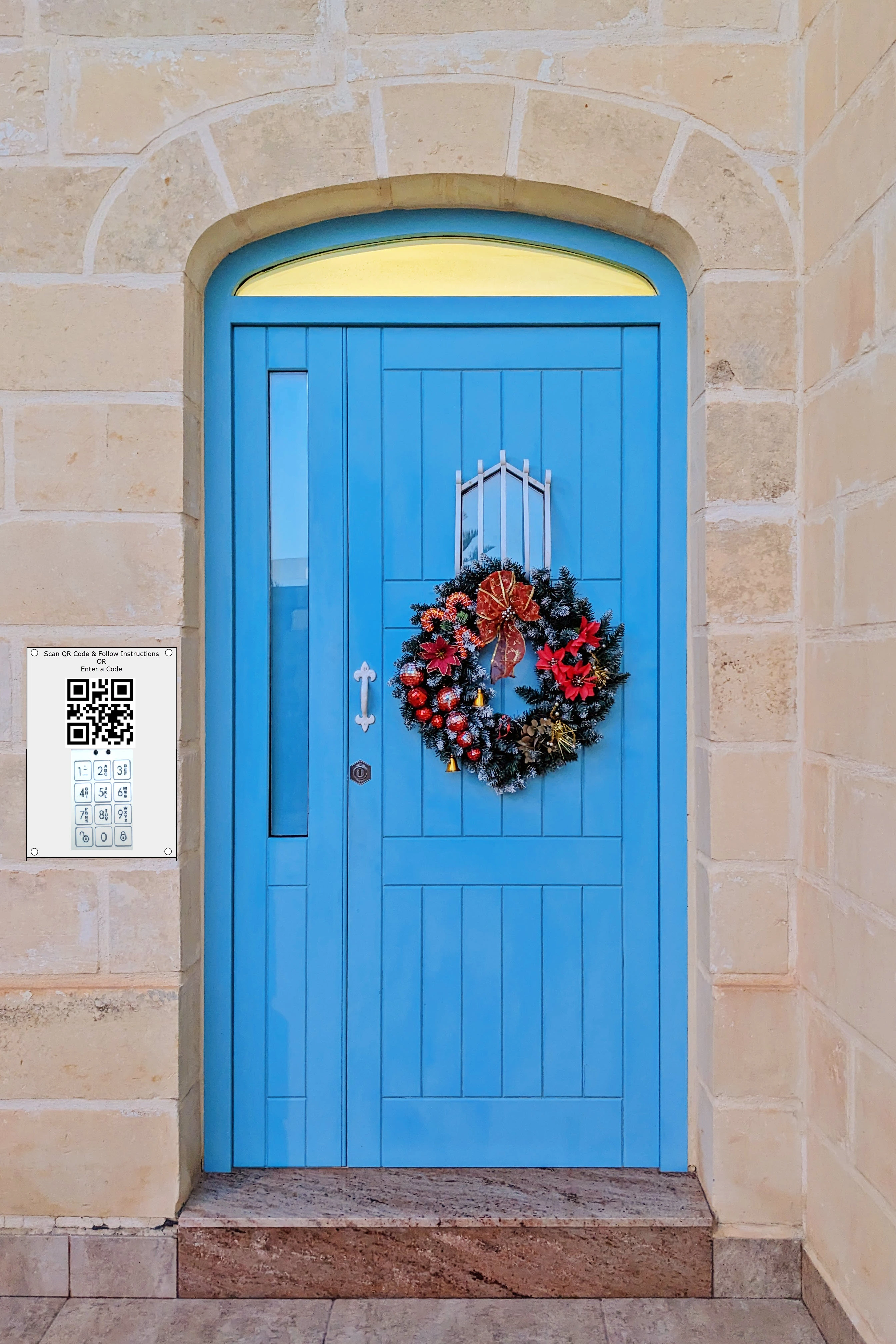
QR Door Bell
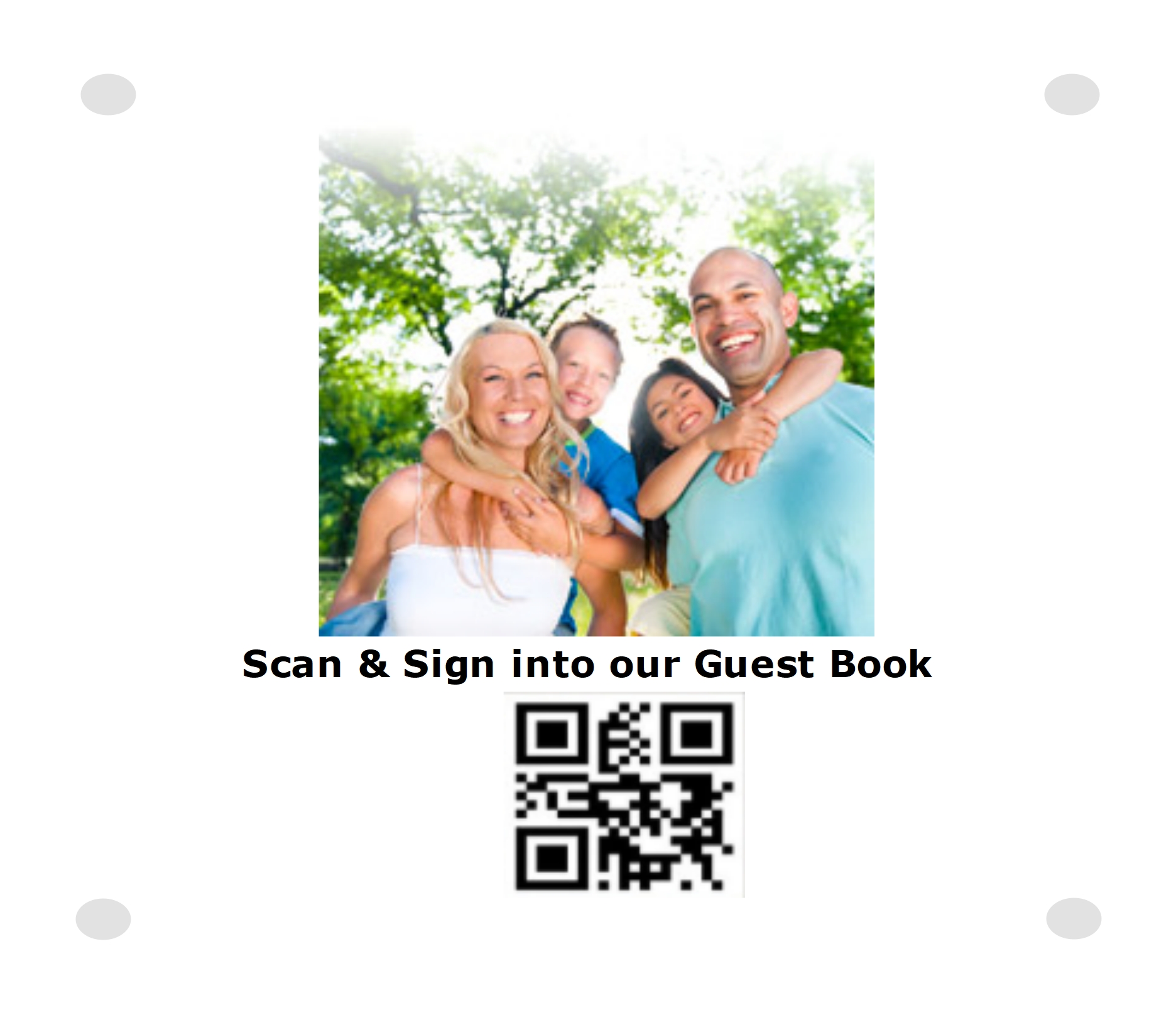
Guest Sign-in Registry
Pantry Management
QR Code Door Bell can protect residents from intruders
(door solicitators) with or
without video door bells. Just videos or images cannot
identify the intruders.
QR Code Door Bell can protect residents from intruders by
helping residents positively identify intruders.
Here is how it works:
Guest Sign-in iPoster
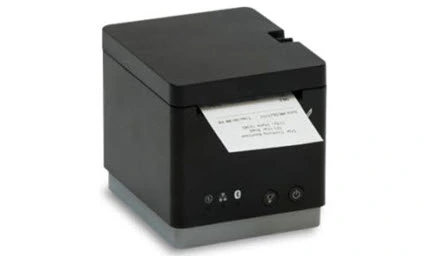
Cloud Printer
Pre-Printed Identifiers
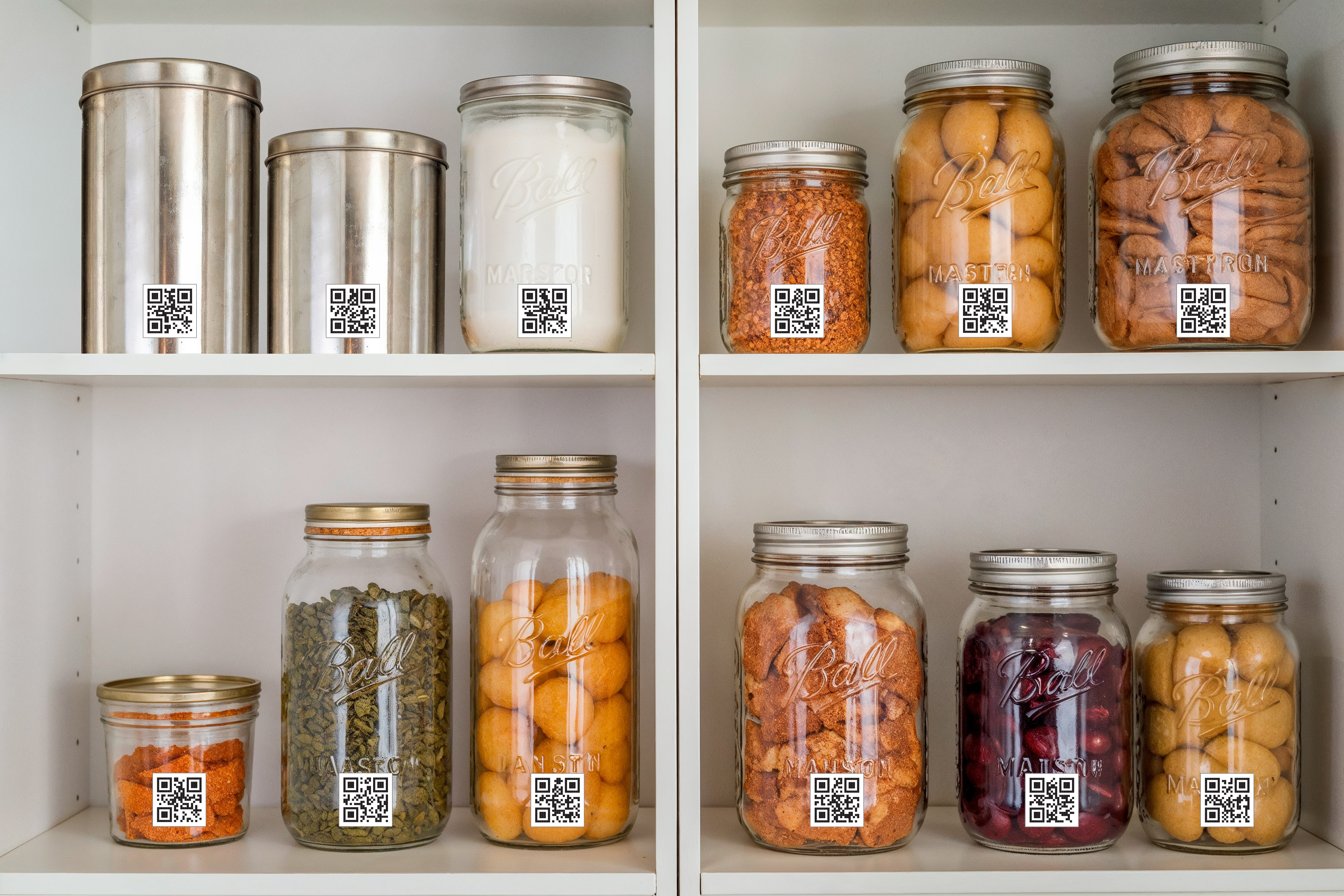
Pantry Management can automatically track all the ingredients
necessary for cooking in any doestic kitchen.
Here is how it works:
Merchant Add-On Applications
Sprint-Thru™ Merchant Add-On Applications are miscellaneous applications that can be executed by merchants and can use Digital Cards instead of Physical CARDS.
Digital Gift Cards
Digital Rewards Cards
Digital Coupons
Counterfeit Less Purchase
Digital Gift Card
Gift Card Management
Gift Card transactions are processed in 3 steps as following:
Gift Card Purchase
As an example, the following the Gift Card Purchase web page is shown below:
Buy an E-Gift
Please Enter a Zip Code or City:
Please Enter an Amount:
Please Select a Merchant:
Gift Card Activation
As an example, the following the Gift Card Activation web page is shown below:
Activate an E-Gift (Desktop Version)
Please Enter E-Gift Number:
Please Scan QR Code using MySingleLink or Merchant or Generic QR Code Reader app and follow the instructions:
Please Enter 2FA+ One-Time Code:
Please Select a Merchant: (Skip, if a merchant has already been selected by Gift Giver)
Activate an E-Gift
(Mobile Version)
Please Enter E-Gift Number:
Authenticate with Finger Print or Face Id
(If MySingleLink or Merchant App is used)
Please Enter 2FA+ One-Time Code:
(If MySingleLink or Merchant App is not used)
Please Select a Merchant:
(Skip, if a merchant has already been selected by Gift Giver)
As an example, the following the Gift Card Redemption web page is shown below:
Please Scan QR Code using MySingleLink or Merchant or Generic QR Code Reader app and follow the instructions:
Please Enter 2FA+ One-Time Code:
(If MySingleLink or Merchant App is not used)
Redeem E-Gifts
(Mobile Version)
Merchant Name & Location
Transaction Identifier
Transaction Amount
Confirm that the above information is valid.
Authenticate with Finger Promt or Face Id
(If MySingleLink or Merchant App is used)
Please Enter 2FA+ One-Time Code:
(If MySingleLink or Merchant App is not used)
Digital Rewards Card
Digital Coupon Card
Counterfeit Less Purchase
Non-Transparant Package Identifier
About Us
Gopal Nandakumar, an innovator responsible for many innovations since 1987, is the
current president of QR Automation Technologies.
Following are some of the products, which are based on issued and
pending patents, being currently marketed under the Business
names "MySingleLink" and "Sprint-Thru™":
Key Features